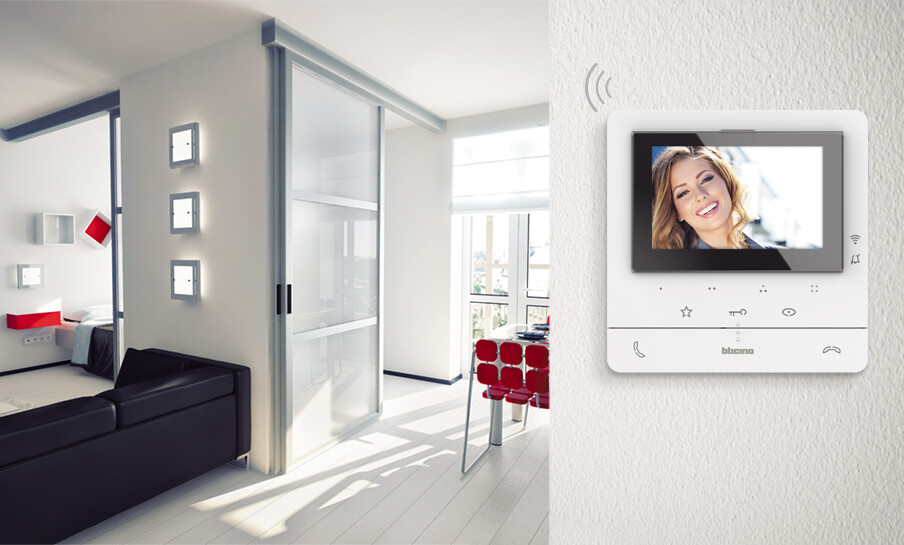
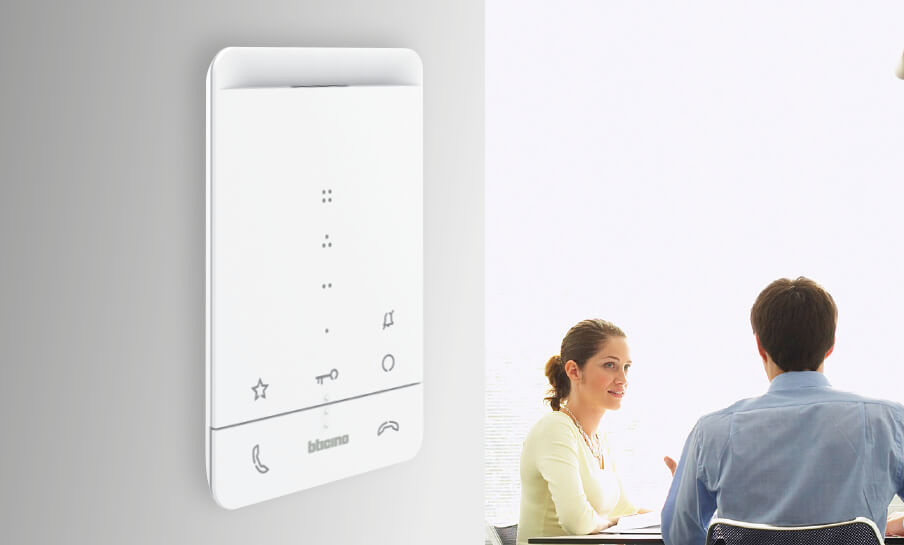
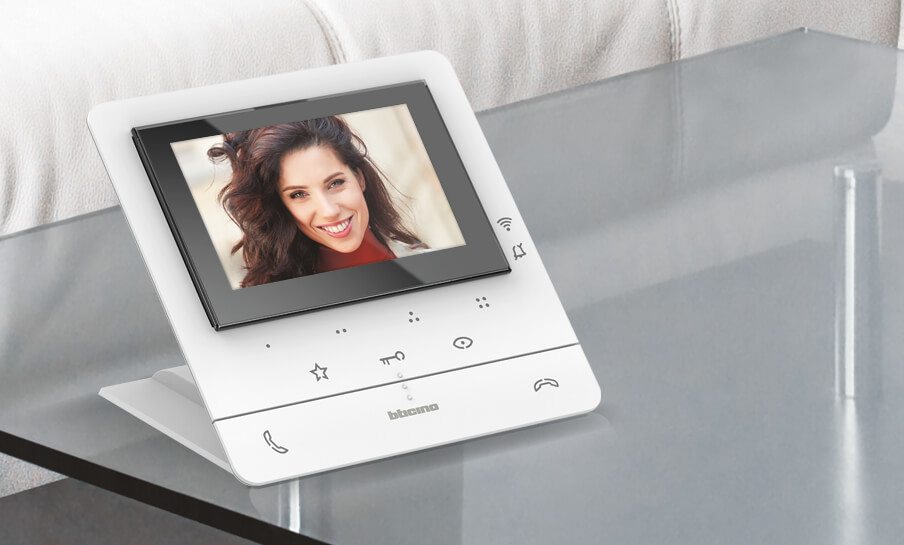
CLASSE 100: a complete range, even with Wi-Fi.
From the connected video version to traditional video internal units, to hands-free and handset audio solutions: the choice is wide, for everyone and every need.
CLASSE 100: the standard-range of connected video internal unit
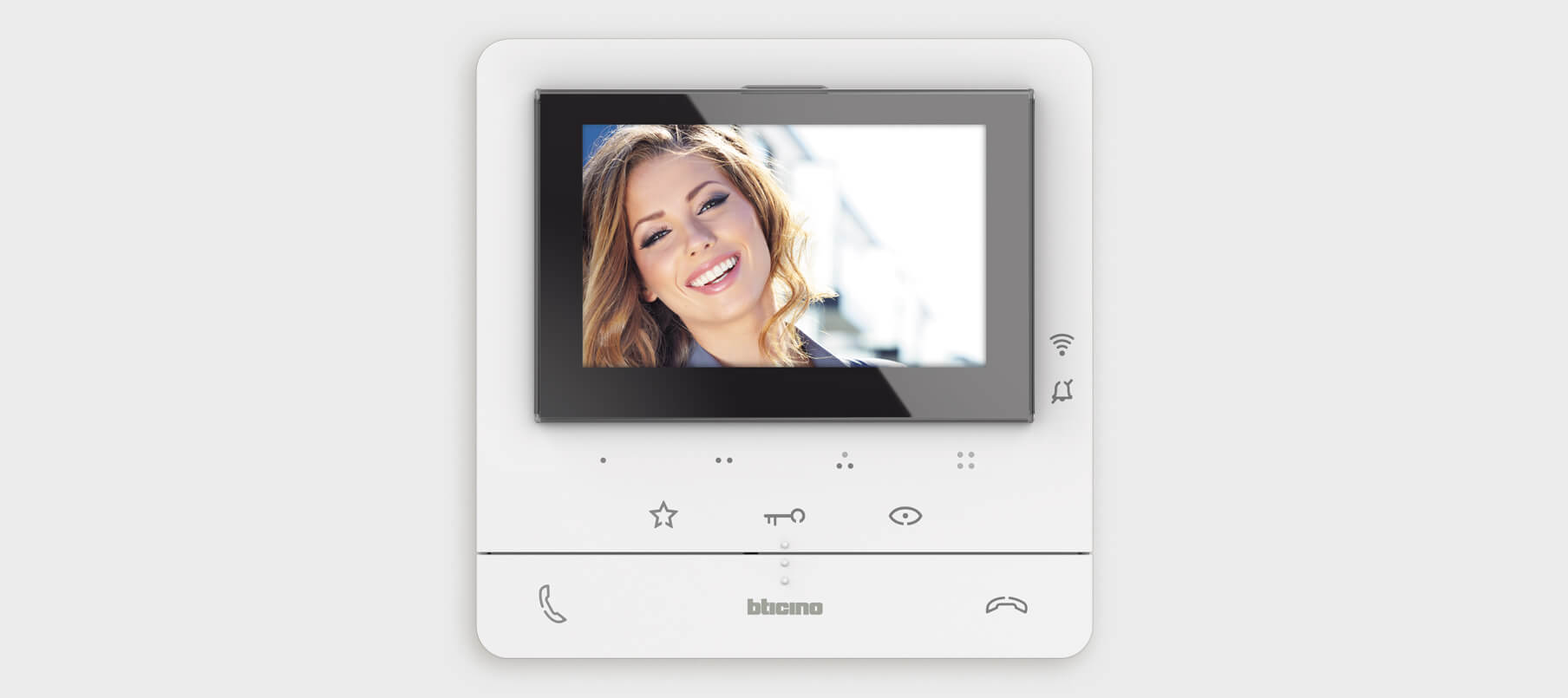
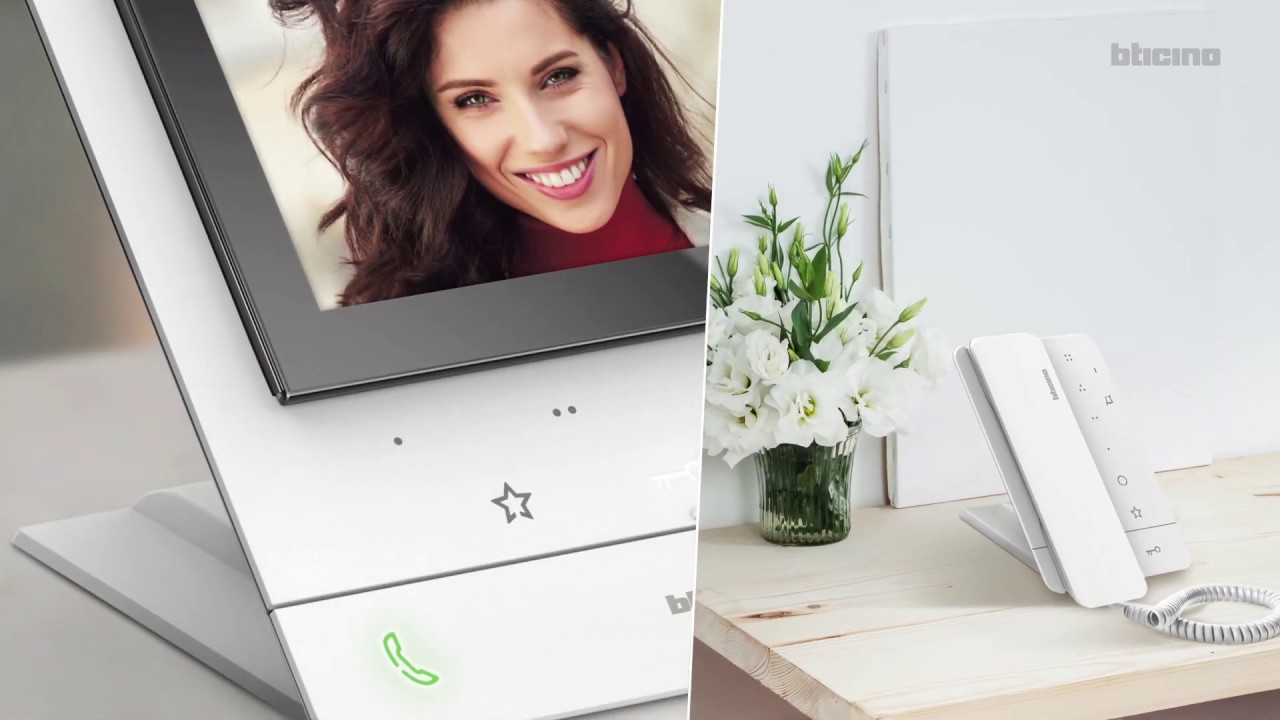
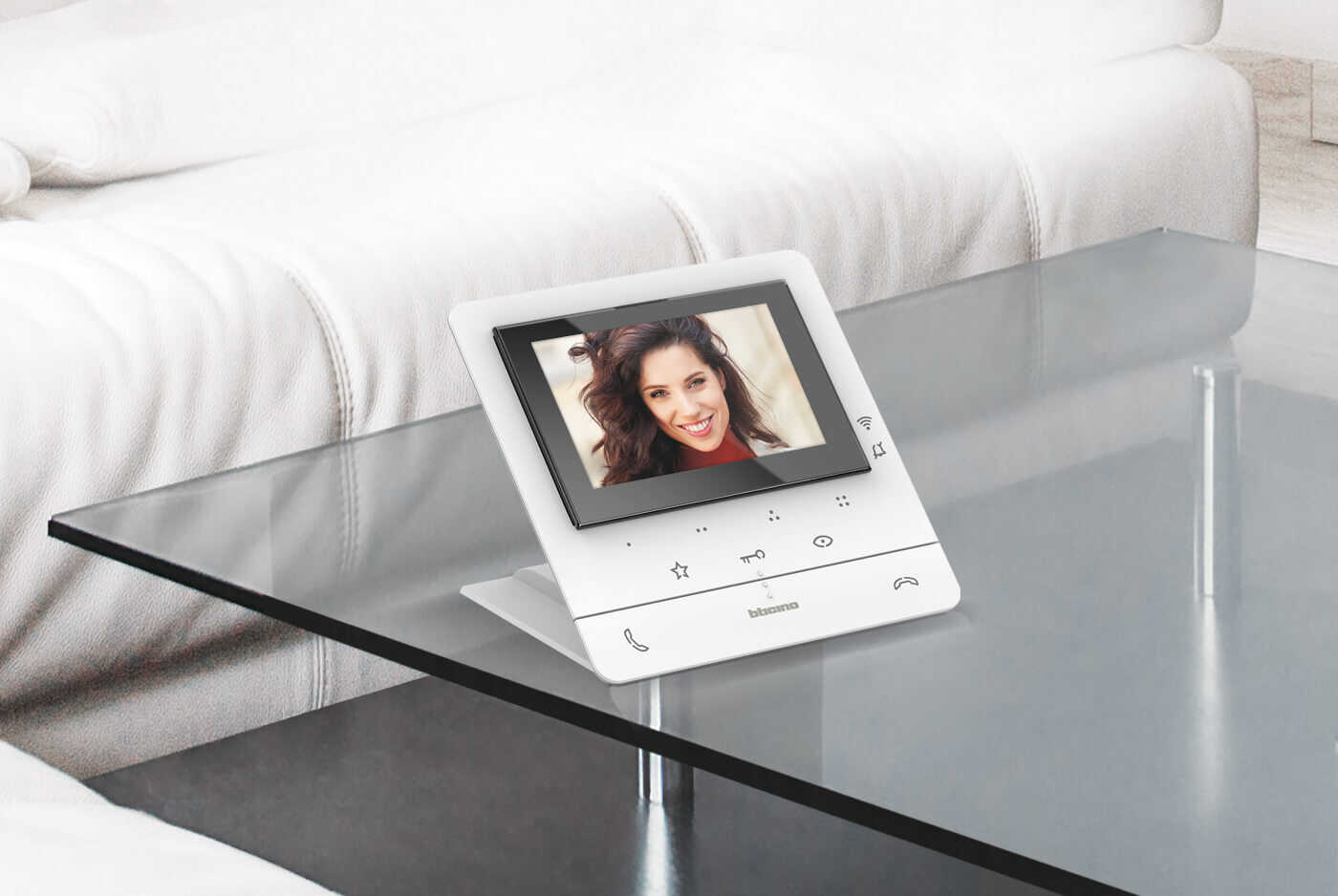
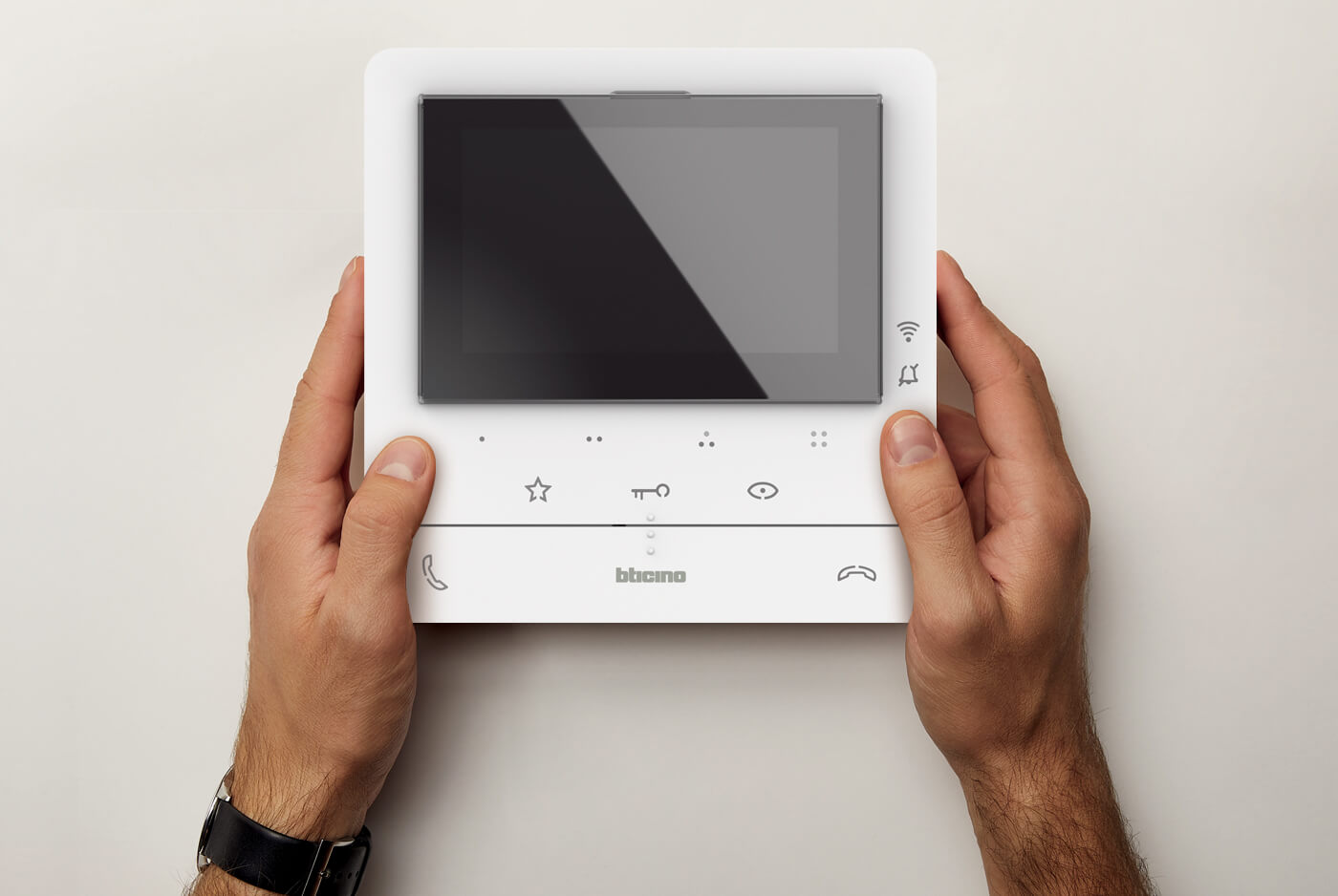
The CLASSE 100 internal units range introduces Wi-Fi connectivity into the standard video door entry offering. A complete range of video internal units with a modern and elegant design capable of satisfying every installation need. Both video and audio internal units are suitable for wall and table-top installation.
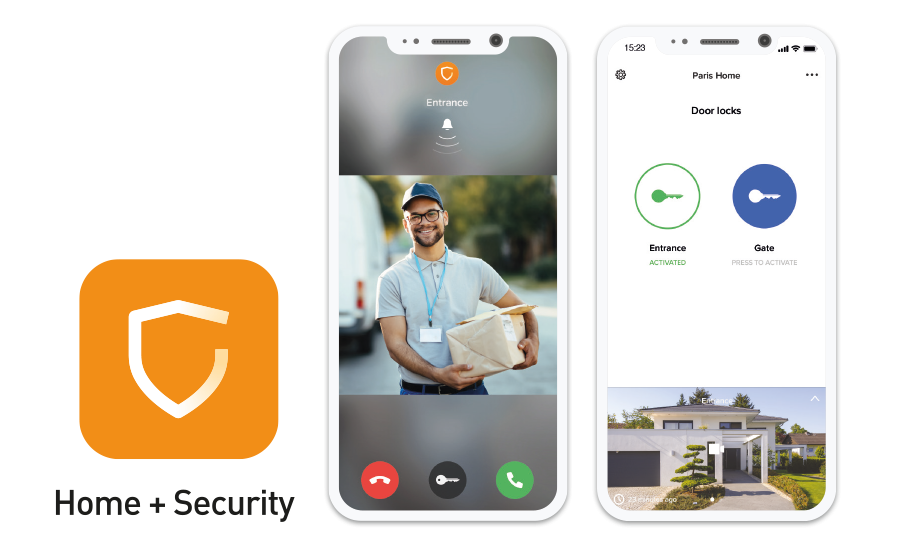
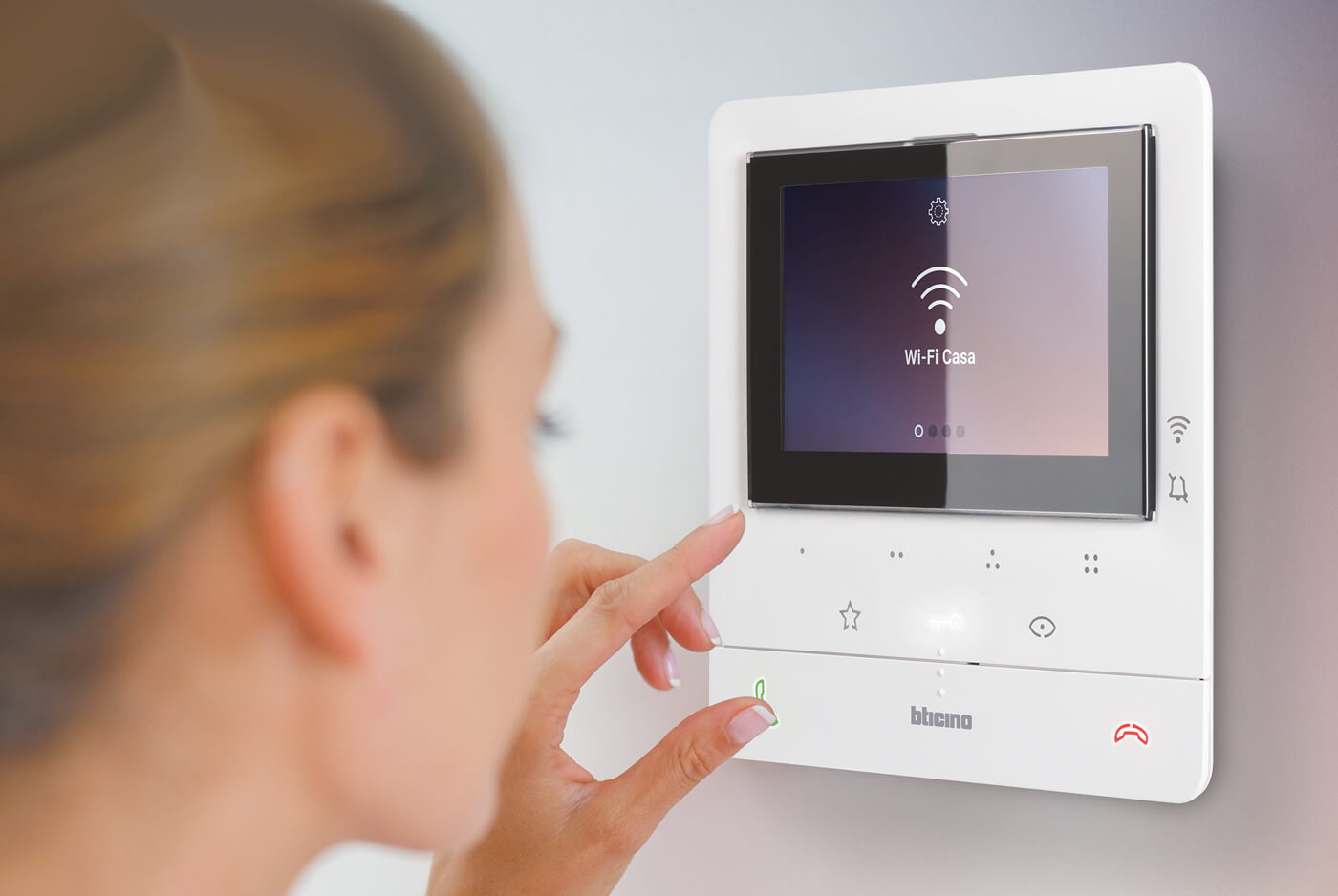
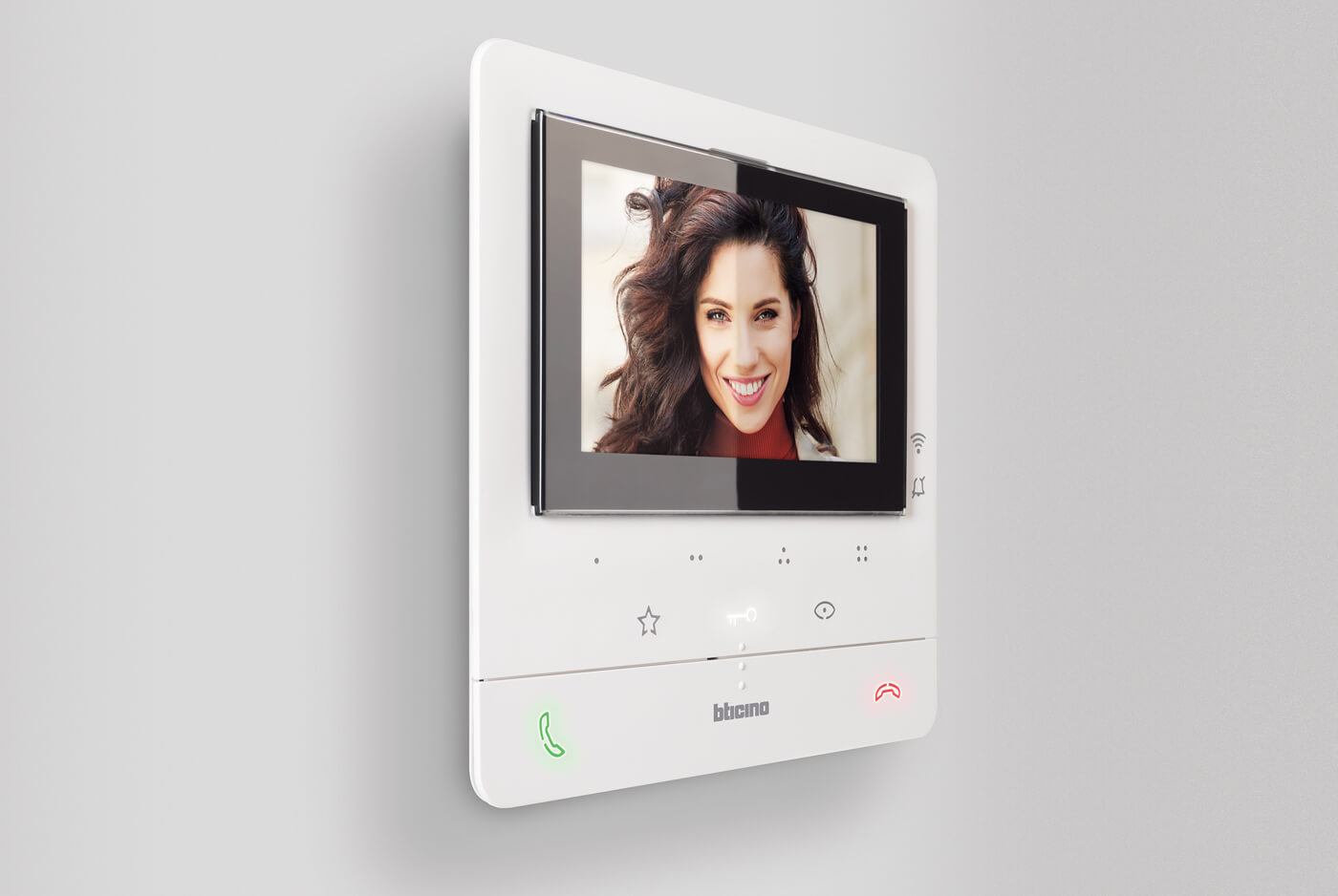
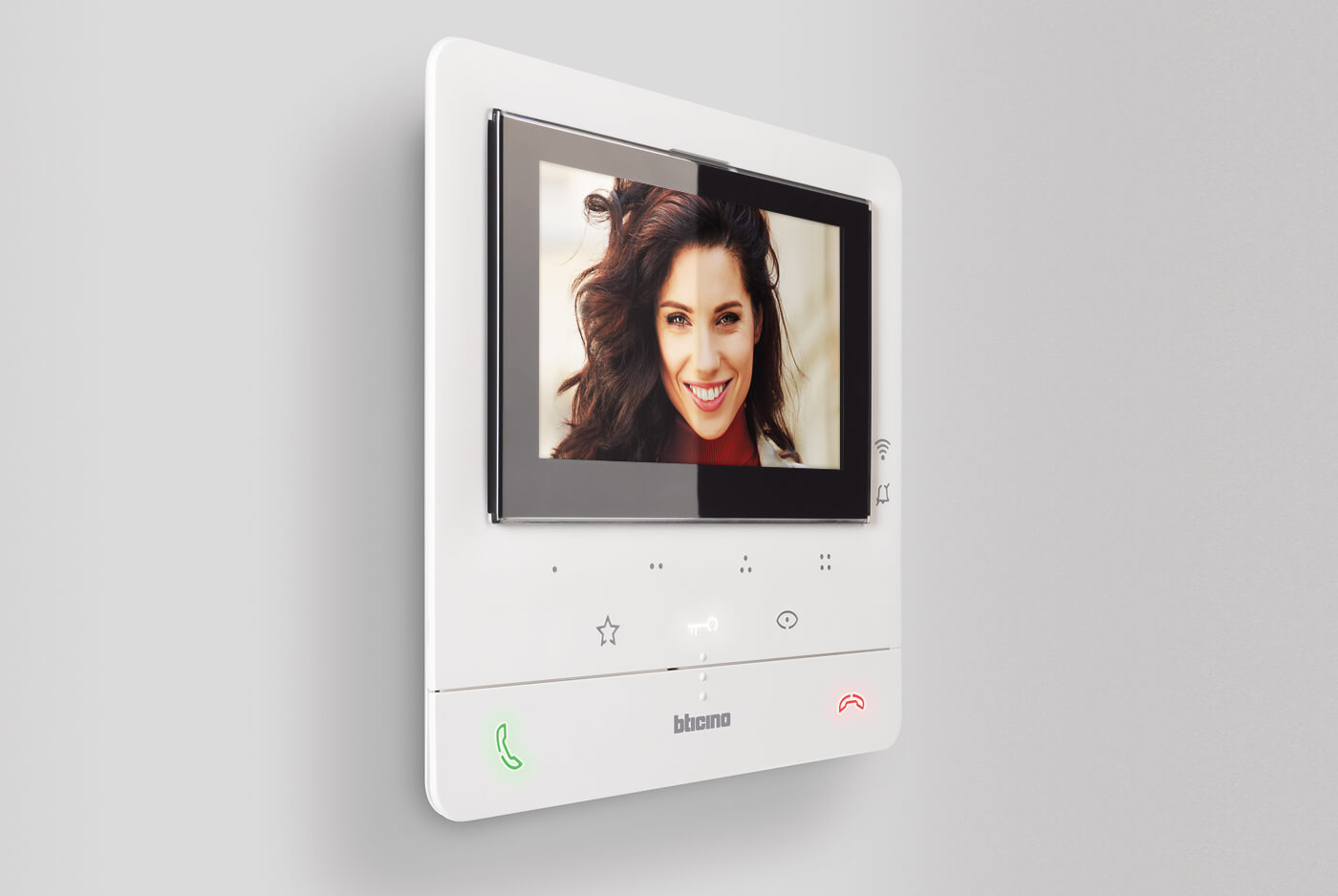
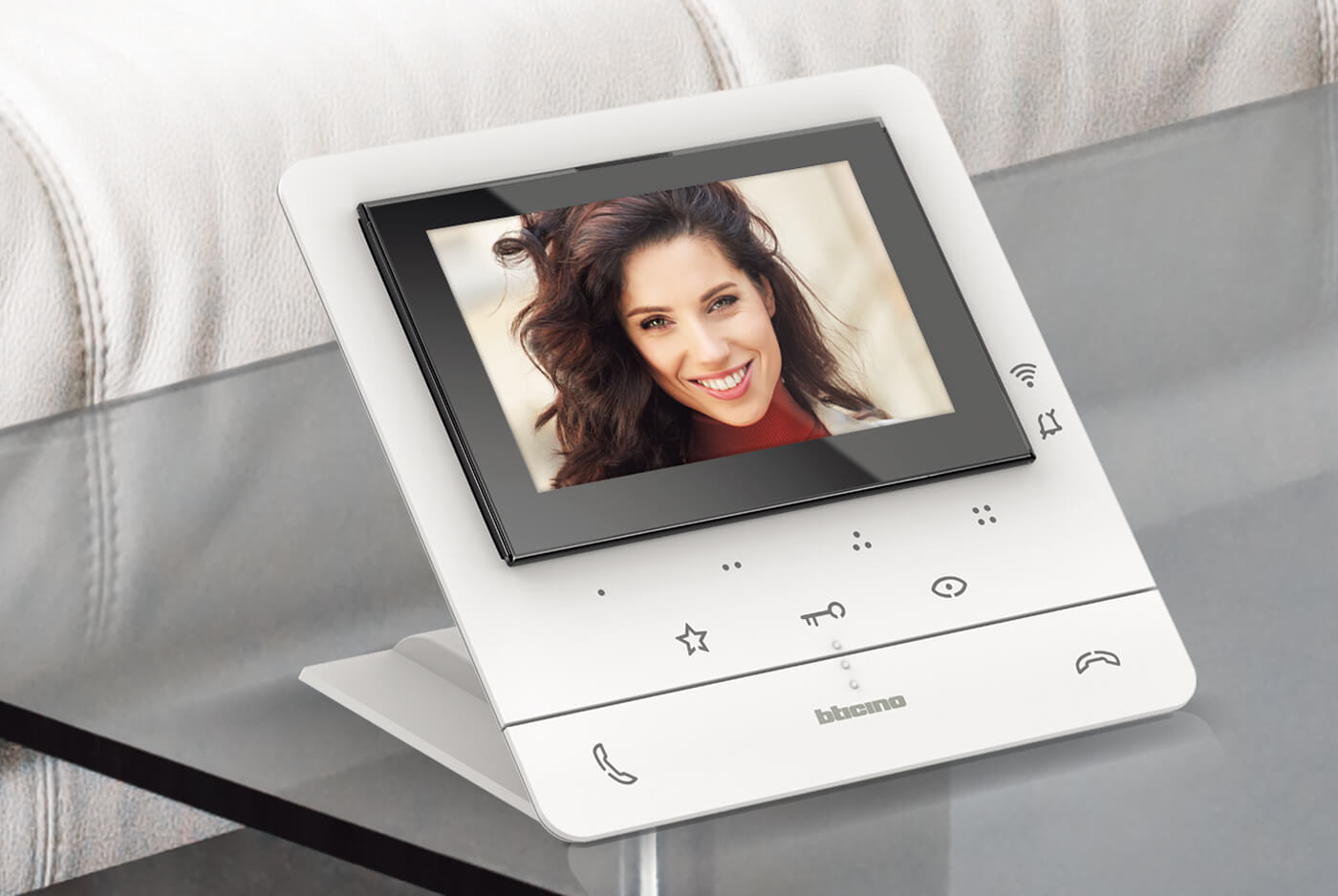
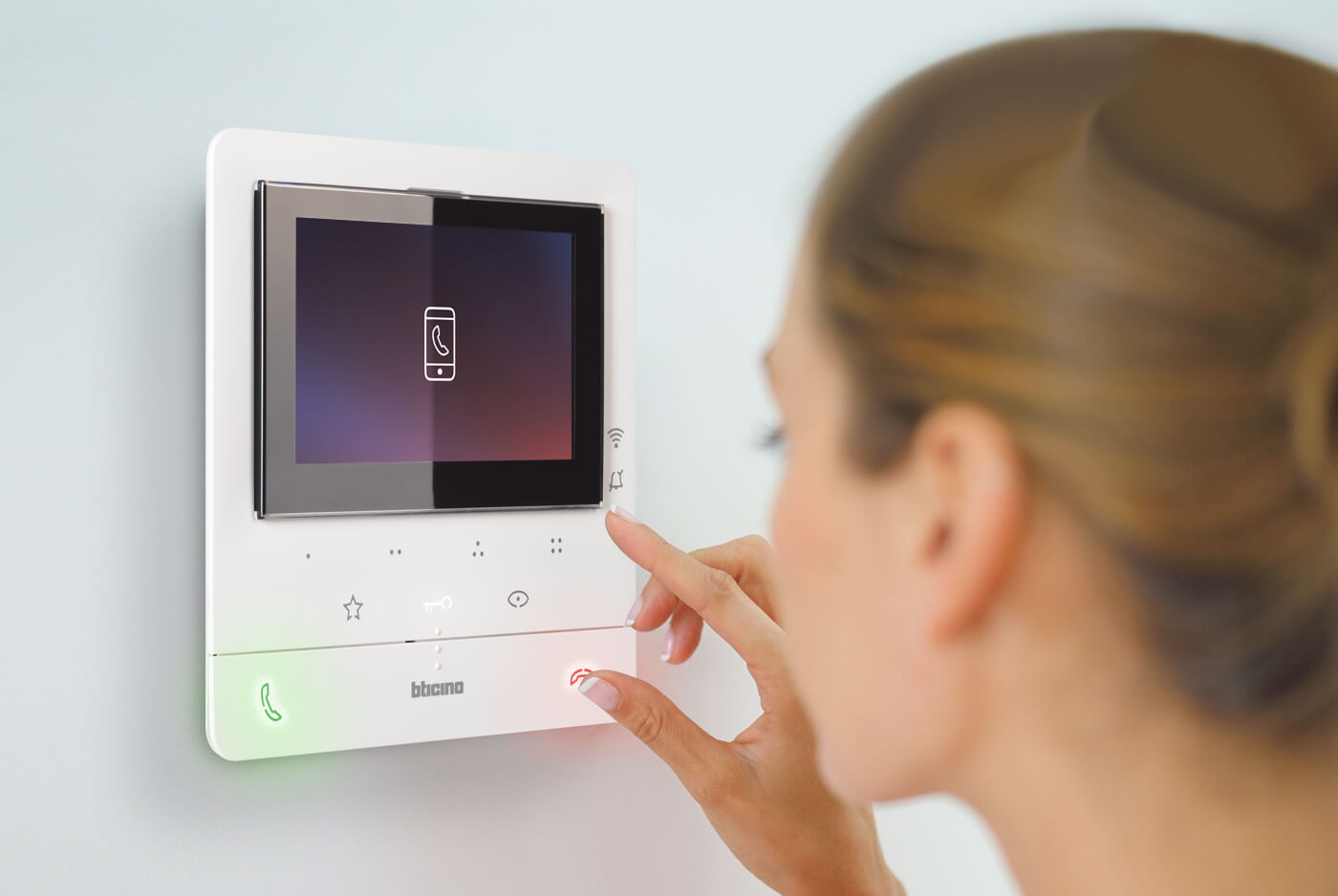
CLASSE 100X16E is the standard-range of connected video internal units that combines simplicity and modernity thanks to integrated Wi-Fi connectivity. Using the Home + Security App, it is possible to manage the main video door entry system functions directly from the smartphone.
MAIN FEATURES
- Call repetition on the smartphone;
- Wi-Fi connection;
- Management of Netatmo Smart Security devices;
- 5″ LCD colour display;
- Secure lock function;
- Teleloop function;
- Professional studio function;
- Intercom function;
- Staircase light activation control;
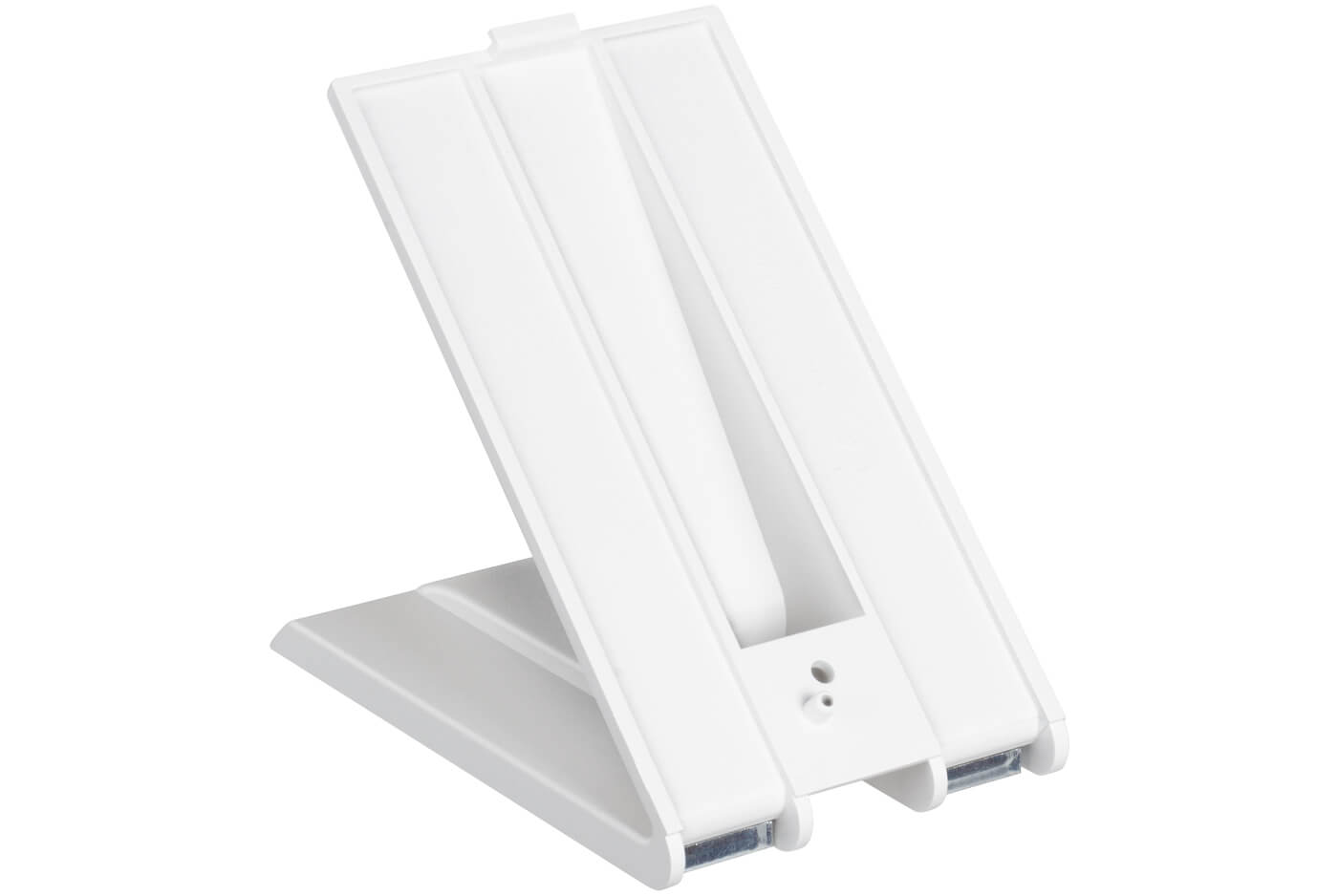
- Wall mounted and table-top installation;
- White finish;
- Door entry system in hands-free and handset versions;
- Kit solutions available.
CLASSE 100 is available in white finish
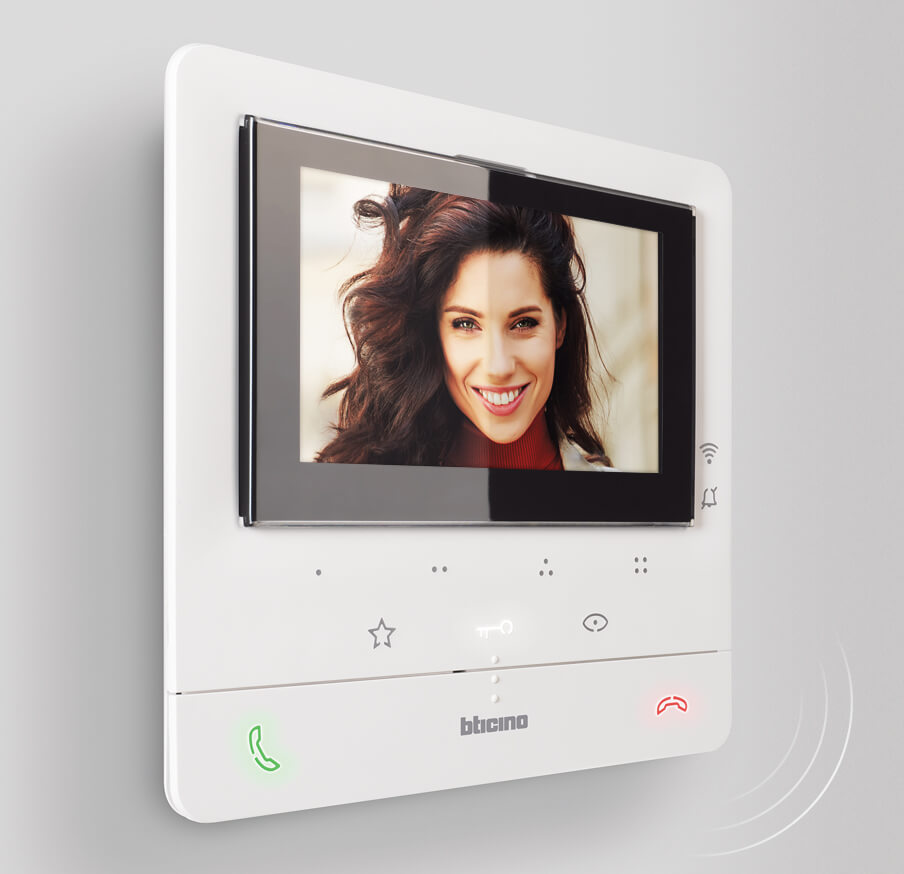
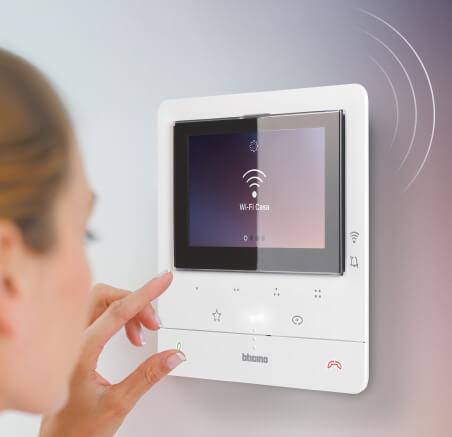
Integration between physical and digital controls for a better user experience.
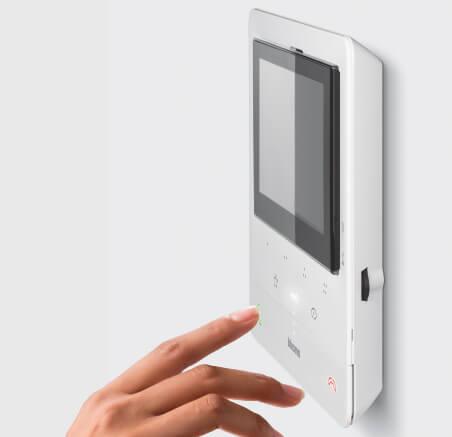
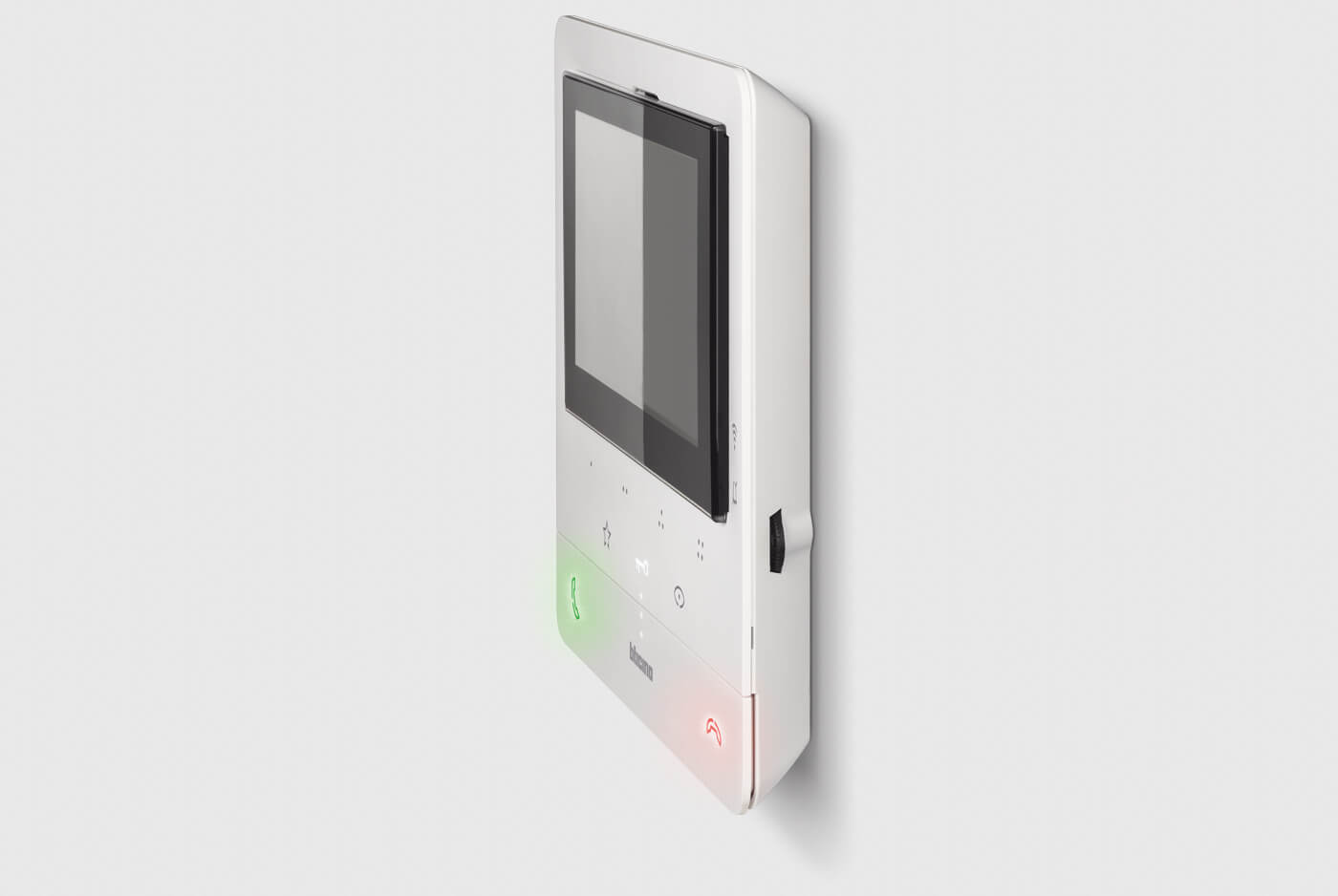
New rocker control for answering and closing the communication, combined with a series of capacitive touch controls for the other functions.
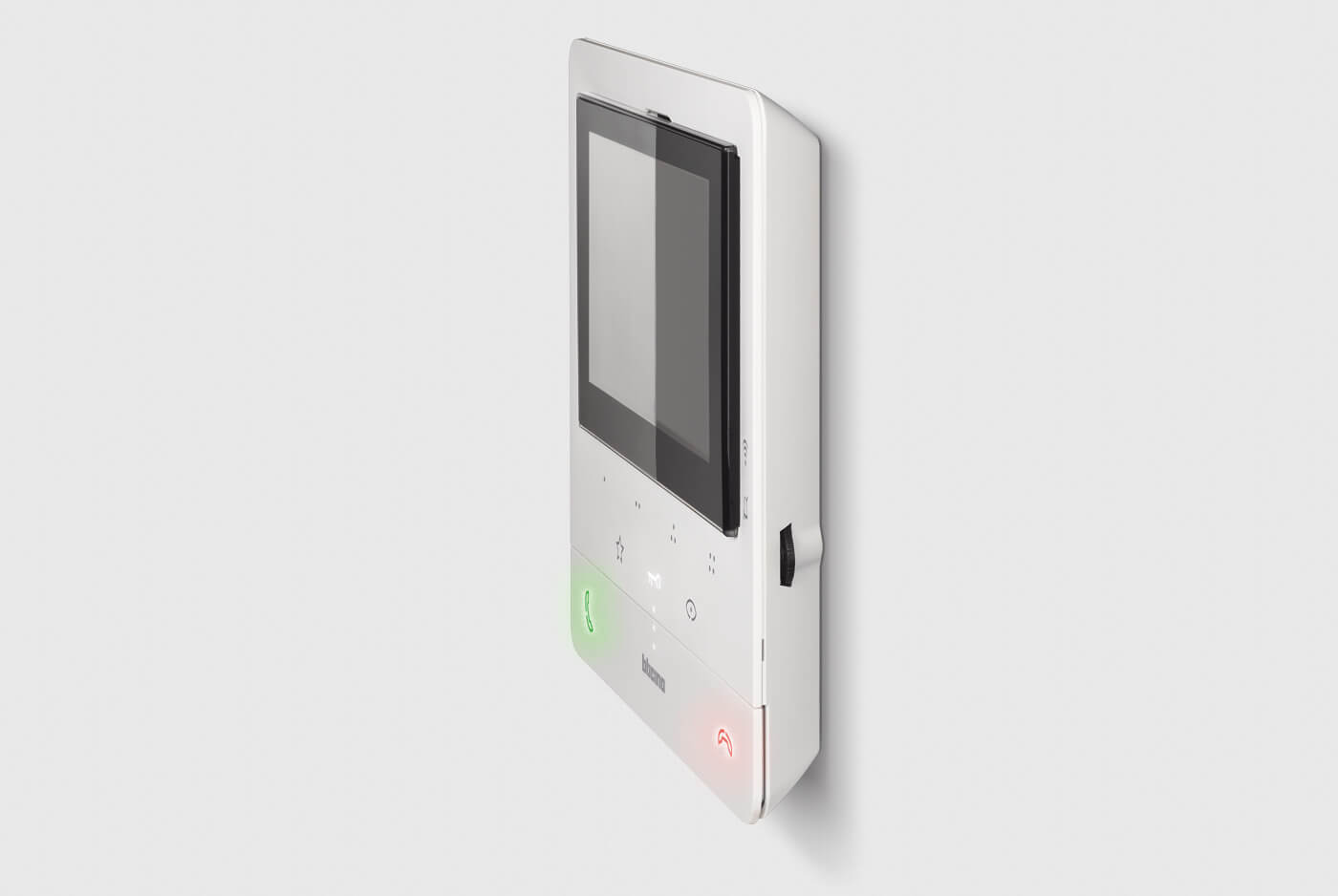
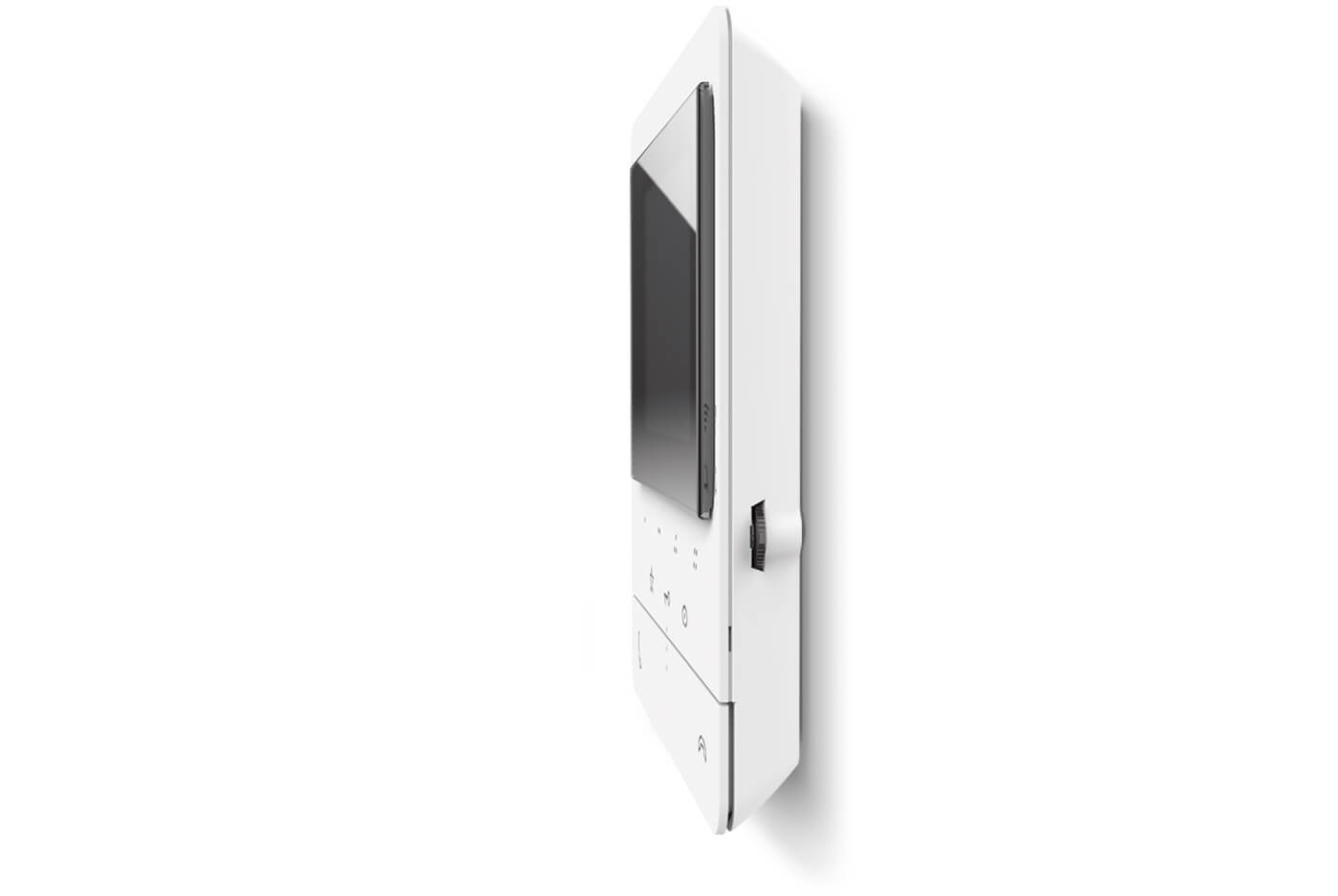
The renewed and modern design perfectly combines a thin appearance with lightness and solidity. This is the design that characterizes the connected CLASSE 100.
HOME + SECURITY
The App for a safe home
Control your home remotely, at any time from anywhere.
Answer door entry calls even when you’re away, receive motion and people detection notifications and alerts thanks to the Netatmo Outdoor and Indoor Smart Cameras.
Configuring the App requires a few simple guided steps. Thanks to the BTicino Cloud, the connection is totally automated and managed with the maximum level of security.

EASILY REPLACE YOUR OLD 2 WIRES BTICINO VIDEO INTERNAL UNIT WITH CLASSE 100X
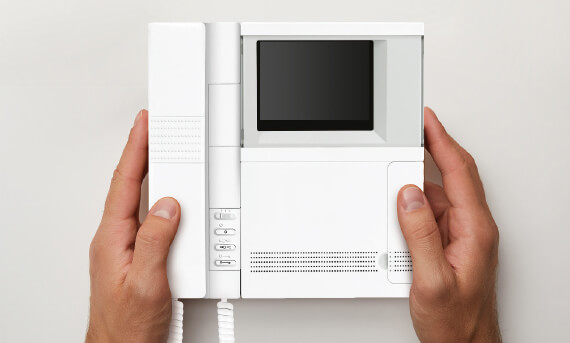
1. Remove the old BTicino 2 wires video internal unit
Check the compatibility of the 2 wires BTicino video internal units being replaced: Pivot, Polyx, Swing, Classe 100 OLD, Nighter / Whice Video station, Video display.
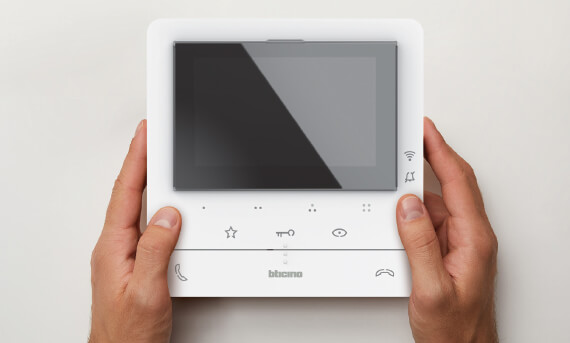
2. Install the connected Classe 100X video internal unit
It is not necessary to provide additional devices and/or accessories. Also suitable for apartment blocks (up to 22 apartments).
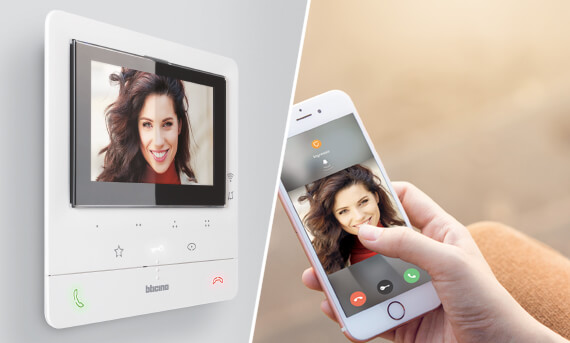
3. Configure Classe 100X and commissioning it with Home + Security app
The main functions of the system will immediately be available and manageable from your smartphone, wherever you are.
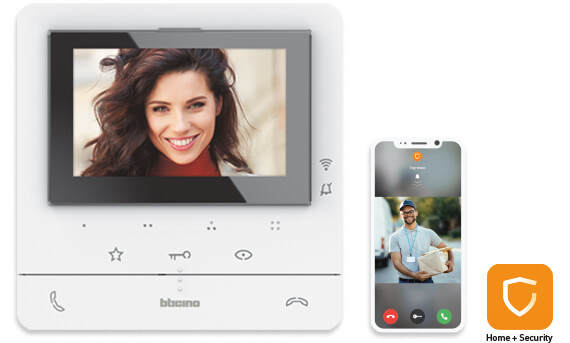
Classe 100X16E connected video internal unit
- Hands-free 2 wires Wi-Fi connected video internal unit with Teleloop.
- 5 inch colour LCD display.
- Can be associated with the Home + Security App for call repetition on smartphones.
- Management of Netatmo smart cameras and security devices.
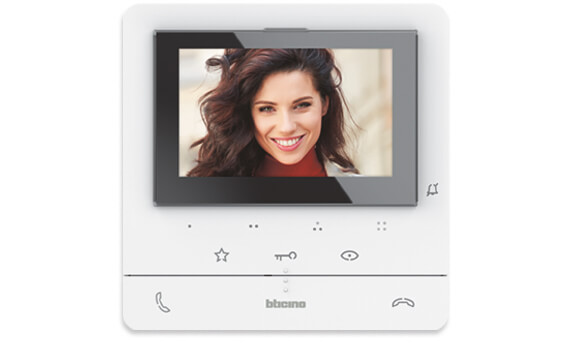
Classe 100V16E video internal unit
- Hands-free 2 wires video internal unit with Teleloop.
- 5 inch colour LCD display.
- 4 configurable capacitive touch keys.
- 1 Quick action setup button.
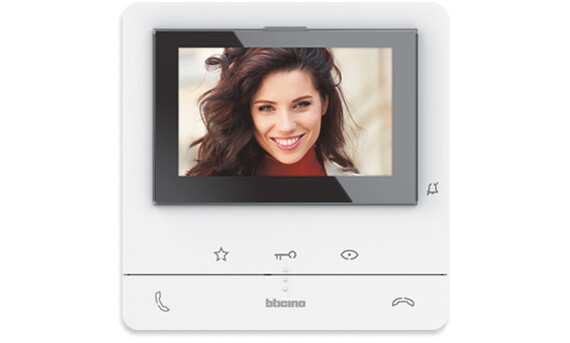
Classe 100V16B video internal unit
- Hands-free 2 wires video internal unit with Teleloop.
- 5 inch colour LCD display.
- 1 Quick action setup button.
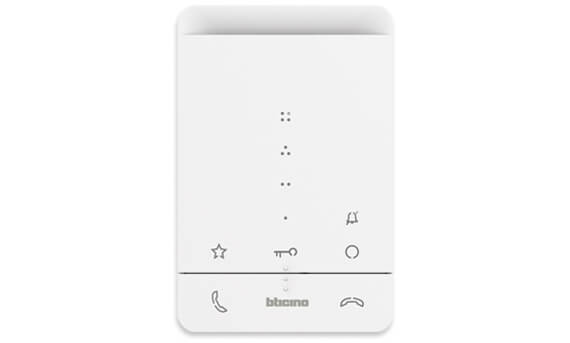
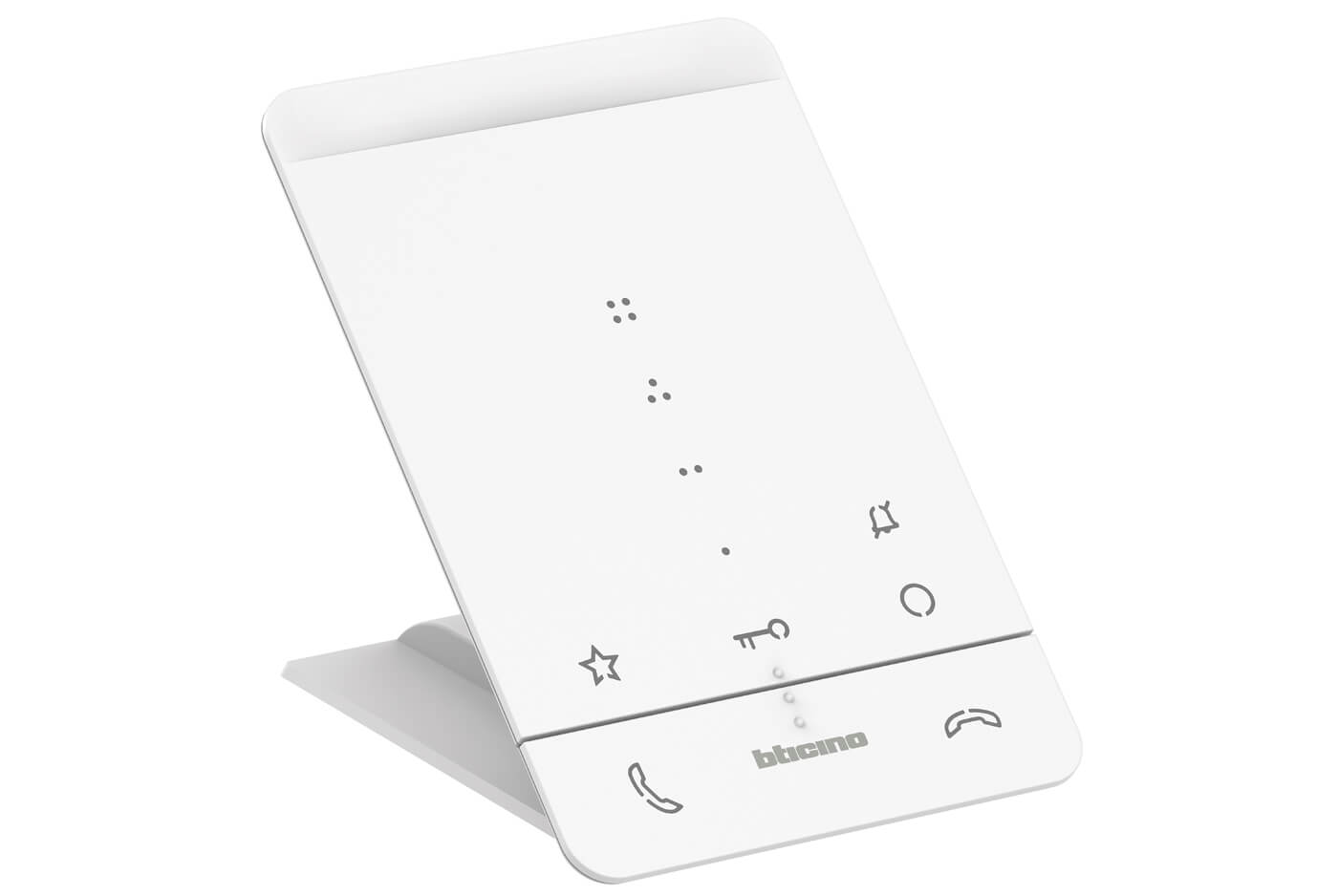
Classe 100A16E hands-free audio internal unit
- 2 wires hands-free audio internal unit.
- Rocker button for answering and ending calls.
- 3 touch buttons for standard intercom functions.
- 4 additional configurable touch keys.
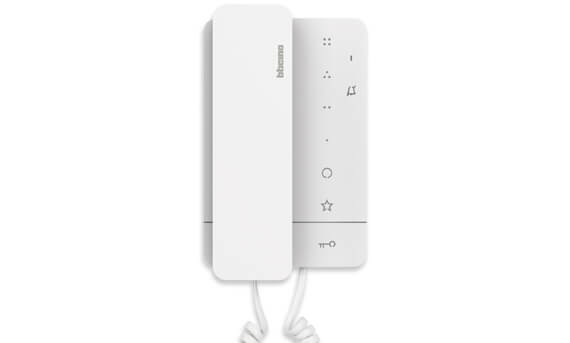
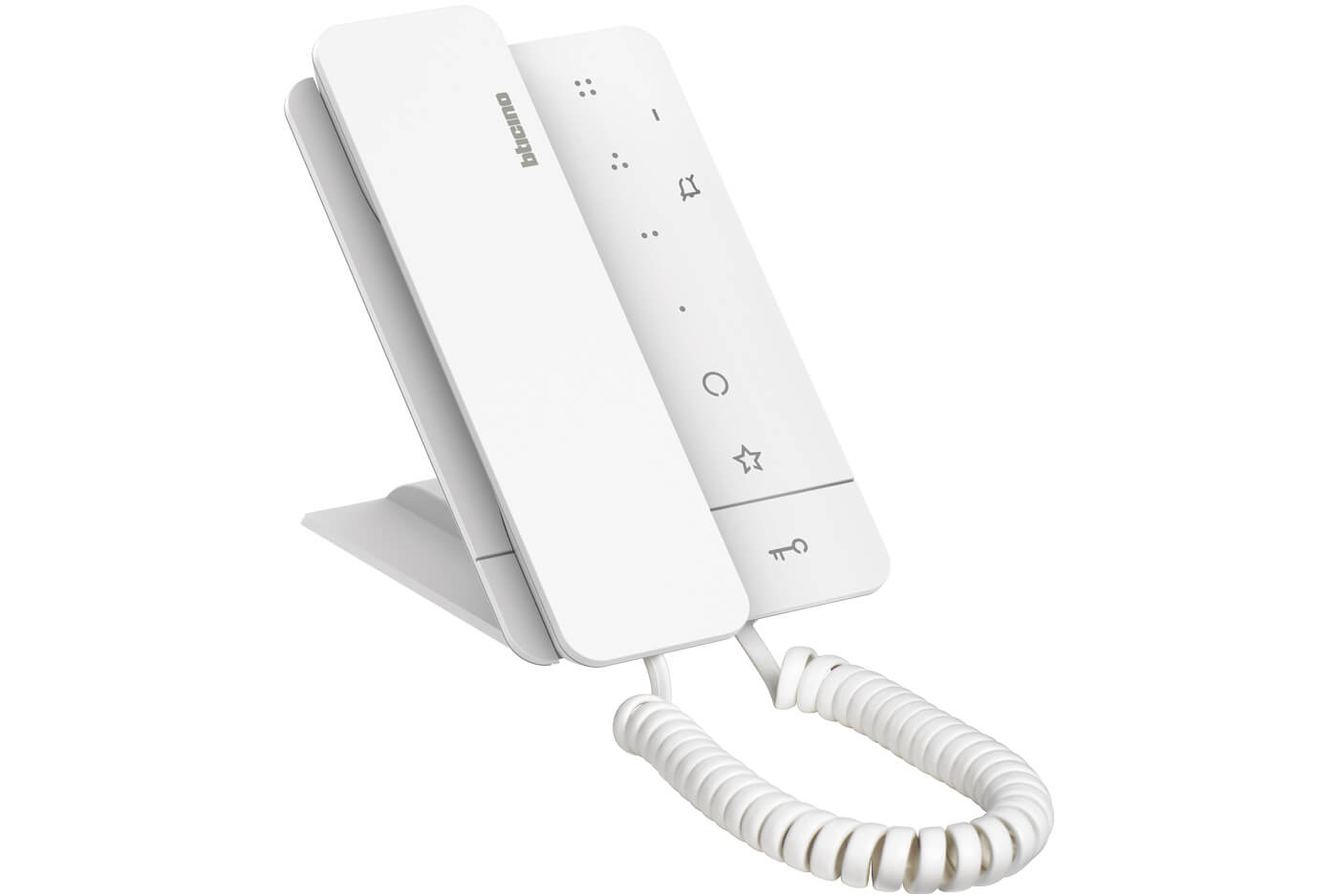
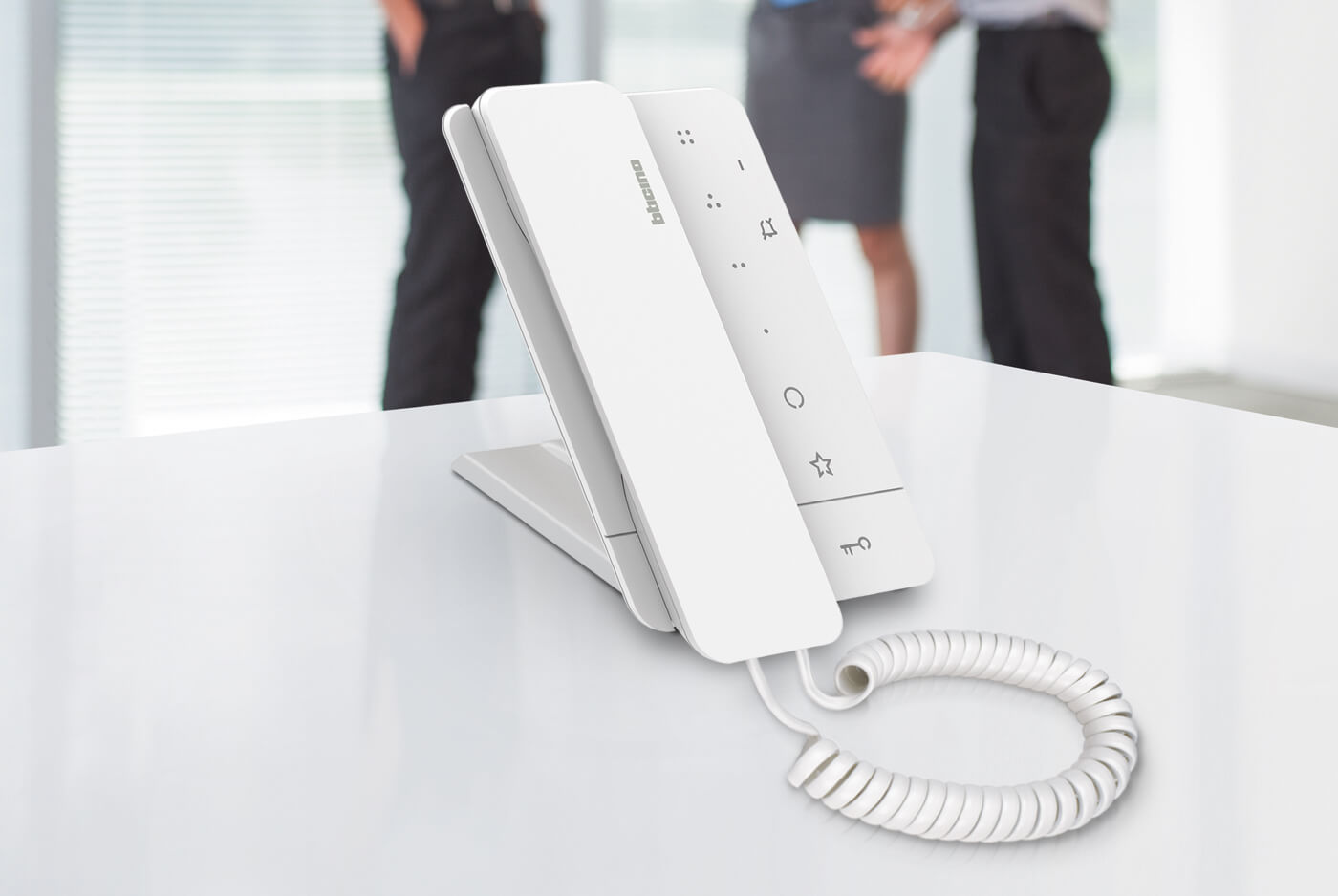
Classe 100A16B hands-free audio internal unit
- 2 wires internal unit with audio handset.
- 3 touch buttons for standard intercom functions.
- 4 additional configurable touch keys.
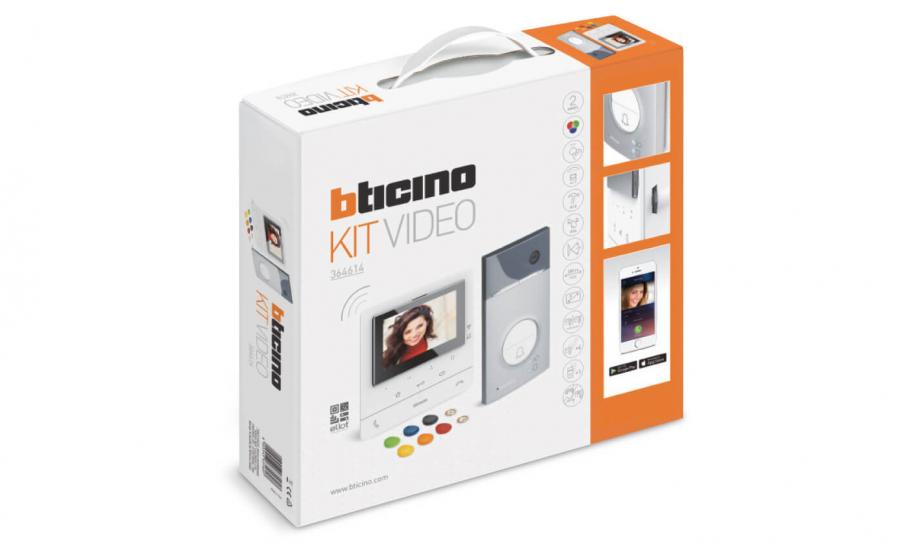
Do you need to design a new video door entry system for a villa or apartment block?
Use the video door entry system configurator.
Define your system type and the characteristics of the building in just a few steps. You will be able to choose products and functions that best suit your needs, starting from our KIT solutions. Furthermore, you will always be updated on active promotions.
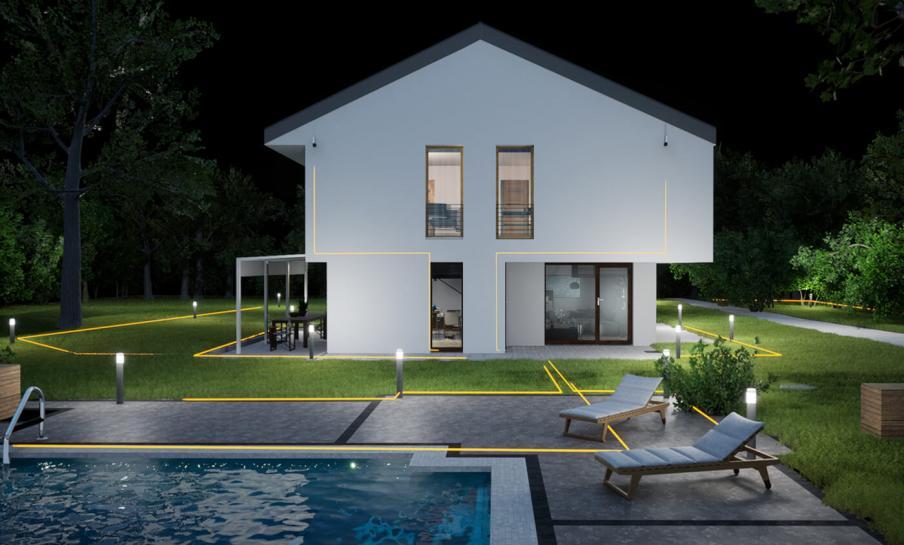
Video door entry system and security. TOGETHER
Security extension with integration of Netatmo devices.
The Home + Security App natively integrates the functions and device management of the Netatmo security offering.
Possibility of accessing a catalogue of Smart and easy-to-install security devices.
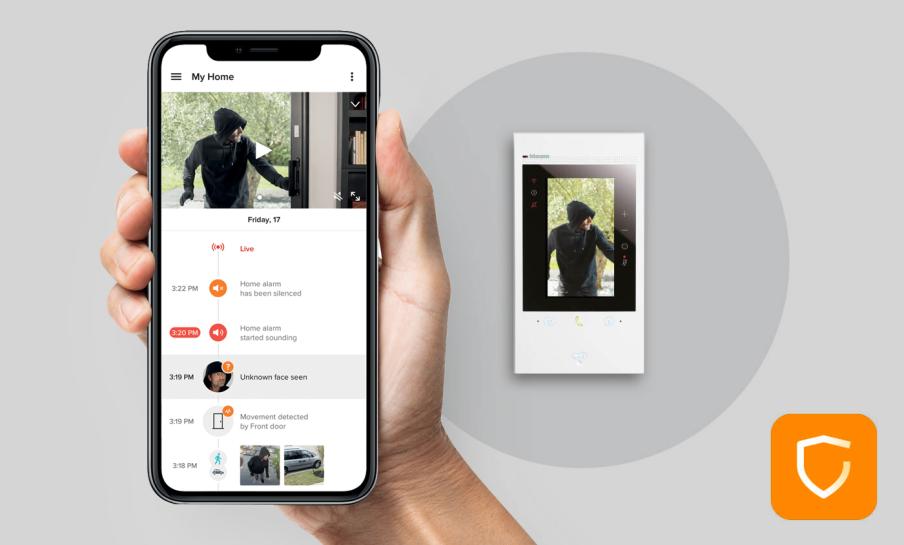
Examples of devices natively integrated into the Home + Security App
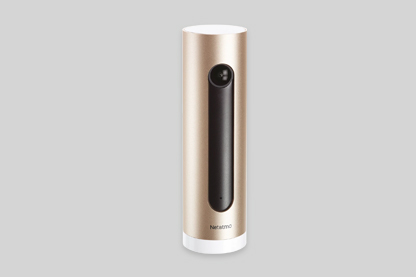
Smart Indoor Camera
Indoor security camera with people detection. Compatible with BTicino Classe 300EOS, Classe 100X and Hometouch connected video internal units.
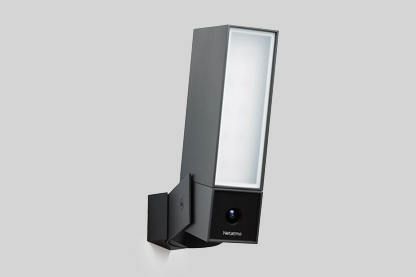
Smart Outdoor Camera
Outdoor security camera with detection of people, cars and animals. Compatible with BTicino Classe 300EOS, Classe 100X and Hometouch connected video internal units.
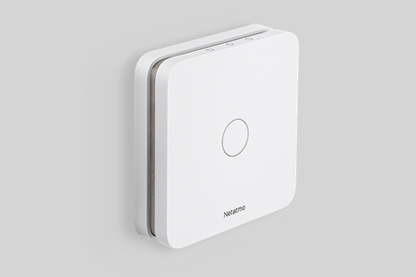
Smart Carbon Monoxide Detector
Detector equipped with a sensor that measures in real time the quantity of carbon monoxide present in the rooms of the house.
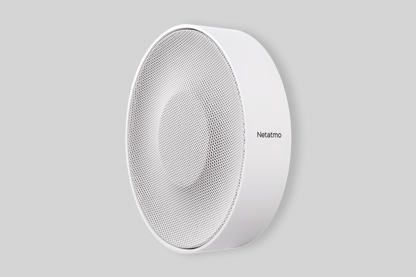
Smart Internal Siren
Internal siren with alarm, pre-recorded sounds and vibration sensor for tamper detection.
CLASSE 100X
CLASSE 100X
CLASSE 100X
CLASSE 100X
CLASSE 100X
CLASSE 100X
CLASSE 100X
CLASSE 100X
CLASSE 100X
CLASSE 100X
CLASSE 100X
CLASSE 100X
CLASSE 100X
CLASSE 100X
FAQ
What models are available in the Classe 100 range?
The Classe 100 range includes audio units, video units, and connected unit. Audio models allow voice communication only, while video models include a display for visual identification. The connected version, Classe 100X, adds Wi-Fi connectivity for remote control via smartphone.
What is the difference between Classe 100 and Classe 100X?
Classe 100 is the standard video door entry unit for in-home use. Classe 100X offers all the same features plus Wi-Fi connectivity, enabling you to answer calls and open doors remotely using the Home + Security app on your smartphone.
Do I need extra equipment to use Classe 100X remotely?
No additional hardware is required. Simply connect the Classe 100X to your home Wi-Fi network and download the Home + Security app. Follow the on-screen pairing instructions to link your device and start managing calls from anywhere.
How to install a video intercom system? Can I install the Classe 100 myself or do I need an electrician?
If you already have a 2-wire video system in place, installation is simple and can be done by following the installation manual. However, if wiring or power supply adjustments are needed, we recommend contacting a qualified electrician for safety and compliance.
How do I connect the Classe 100 to my existing 2-wire video system?
Connect the two wires from your system to the terminals marked “BUS” on the Classe 100 unit. Ensure polarity is correct as shown in the manual. Then, mount the unit and restore power.
How do I adjust the ringtone volume?
Press the settings button on the unit, navigate to “Audio Settings,” and select “Ringtone Volume.” Use the + or – buttons to increase or decrease the sound level.
Can I change the ringtone on my Classe 100?
Yes. Go to the settings menu, select “Ringtone,” and choose from the available tones. Confirm your choice by pressing OK.
How do I enable the door lock opening function?
When you receive a call, press the key icon on the screen to unlock the door. If you want to configure this function, go to “Settings > Door Lock” and follow the on-screen instructions.
My screen is blank. What should I do?
Check if the unit is correctly powered. Ensure the two wires are correctly connected and the power supply is active. If the problem persists, restart the unit by disconnecting and reconnecting the power.
Why is there no sound when someone calls?
Verify that the ringtone volume is not set to zero. Go to “Audio Settings” and adjust the volume. Also, check the wiring and ensure the BUS connection is secure.
Can I use the Classe 100 with multiple entrance panels?
Yes, the Classe 100 supports multiple entrance panels. Configuration can be done via the settings menu under “Entrance Panel Management.” Follow the on-screen steps to add panels.
How do I activate the intercom function between units?
Go to “Settings > Intercom” and select the unit you want to call. Press OK to confirm. This allows communication between internal units.
Can I see who called me when I was away?
No, Classe 100 does not have a video intercom answering machine.
How do I update the firmware of my Classe 100?
Firmware updates are usually managed by your installer. If available, instructions will be provided in the official BTicino support section.