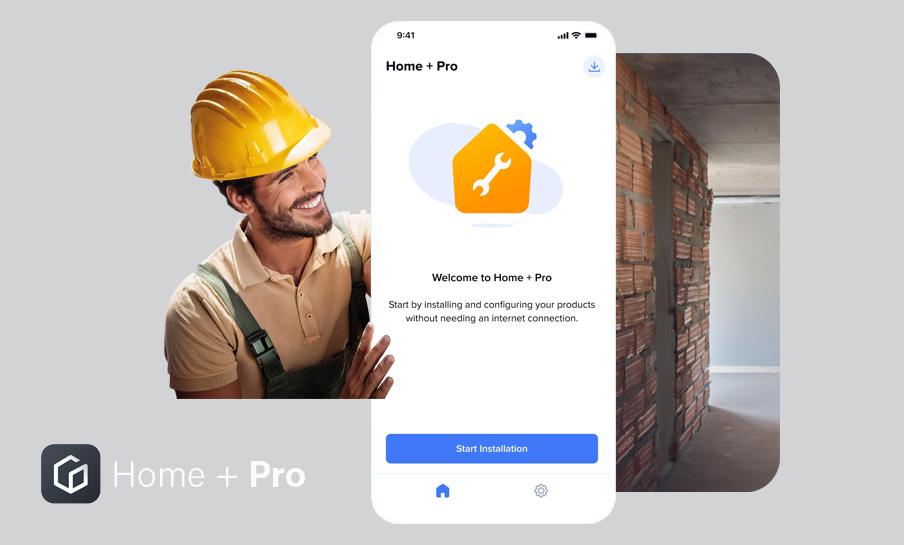
APP FEATURES
Home + Pro offers maximum flexibility and offline configuration, allowing you to work without an Internet connection, even on site. The app is intuitive and ready to use, enabling fast setup and delivering a real improvement to the installation experience. Time savings are immediate: fewer steps, faster interventions, and maximum efficiency wherever you are.
Compatible with smart products and perfectly integrated with Home + Control, it ensures complete and coordinated management of smart home systems.
TECHNICAL SPECIFICATION
- Compatible with smart gateways featuring the new firmware of the smart wiring devices, as well as with the DIN‑rail version BTDIN with Netatmo;
- Tool for configuring and testing lights, sockets, and automations within the smart system;
- Offline mode: complete configuration without Internet access.
THE LATEST NEWS ABOUT THE APP
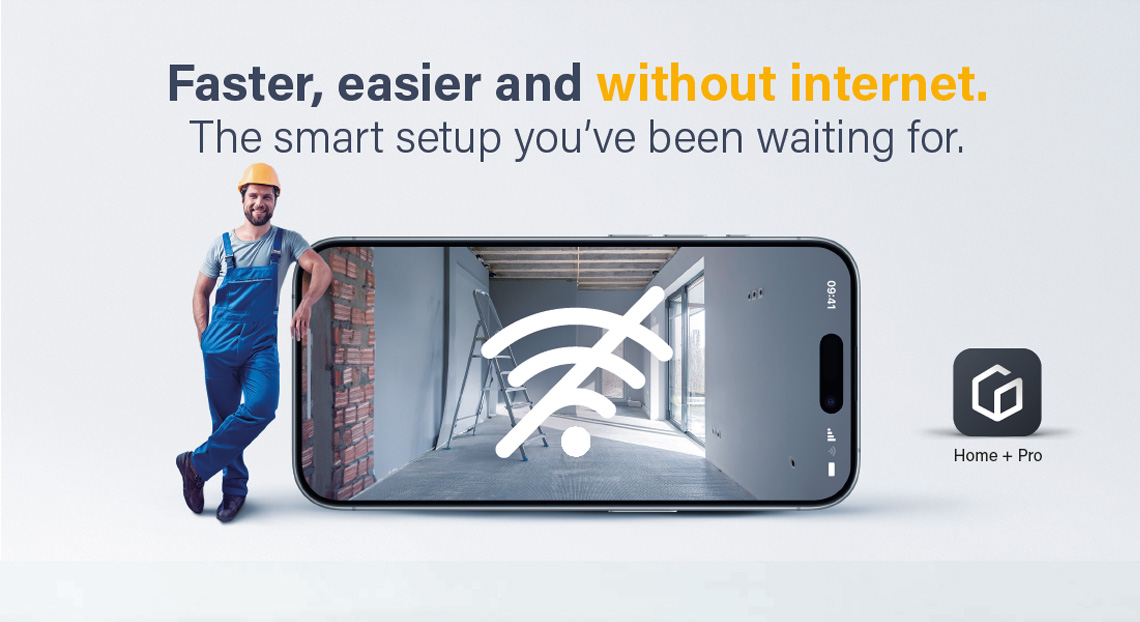
Which app should you choose to configure a smart home?
The configuration of a smart system using Zigbee wireless technology depends on the availability of an Internet connection. Choosing the right app allows you to work efficiently and deliver the best experience to the customer.
- Choose Home + Pro if no Internet connection is available and you want to increase productivity by working locally during installation.
- Choose Home + Control if an Internet connection is available and you want to support the customer in configuring and managing their smart home.
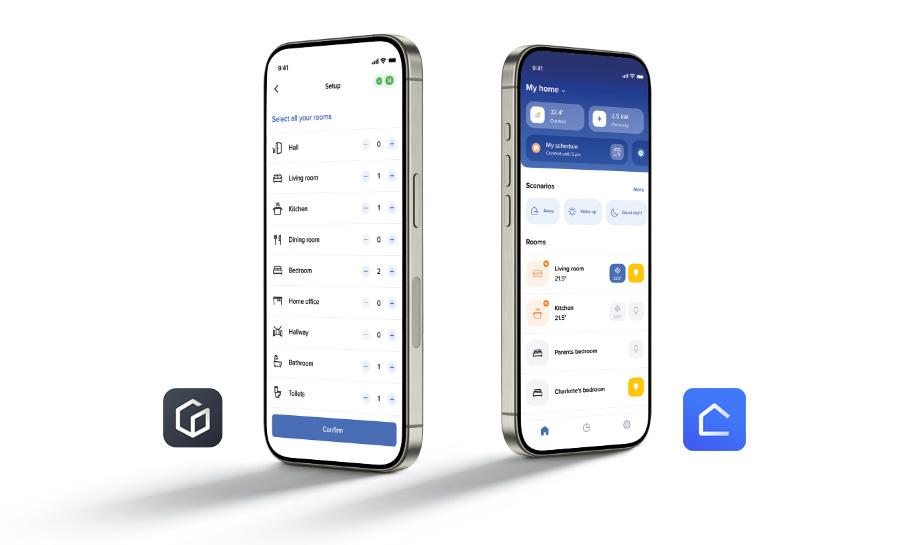
Offline installation
Download Home + Pro and login to it. You can download the gateway firmware (optional) or proceed directly with the installation:
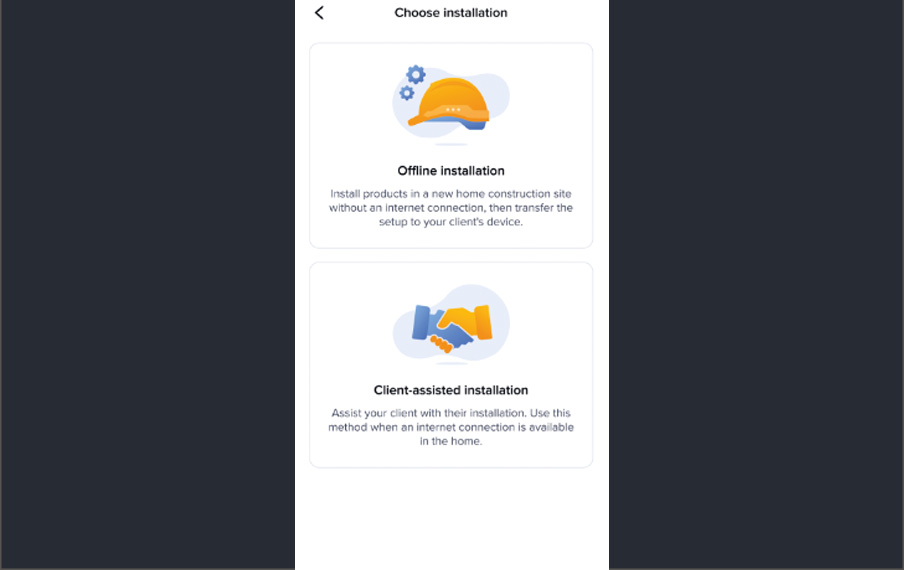
1. CHOOSE THE INSTALLATION TYPE
From the main screen, you can decide whether to proceed with an offline installation or not. Installing without an Internet connection ensures greater flexibility and allows you to work even on site.
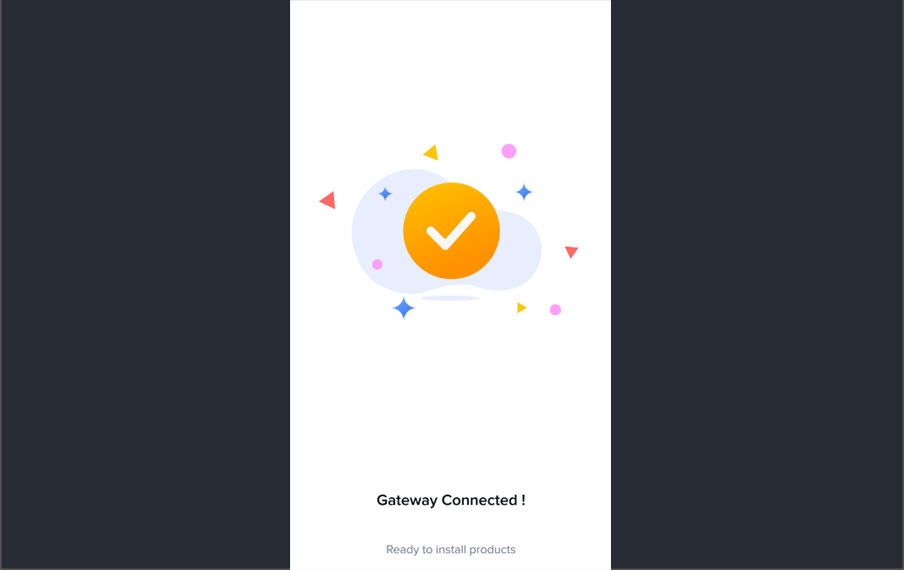
2. DIRECT CONNECTION TO GATEWAY
Connecting to the gateway is quick and straightforward: simply scan the QR code on the product.
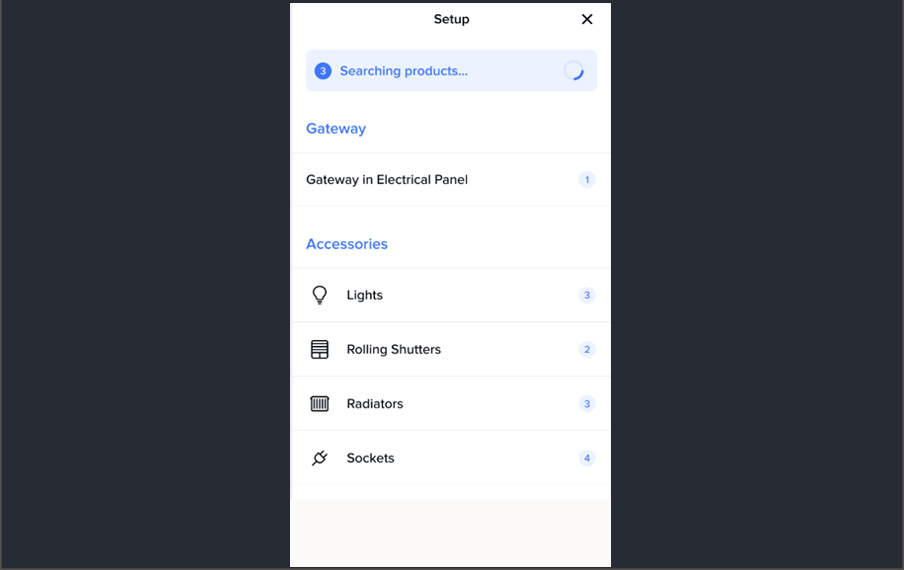
3. AUTOMATIC RESEARCH & CUSTOMIZATION
The app automatically detects the products installed in the system and allows you to customize each room for a simple and intuitive experience.
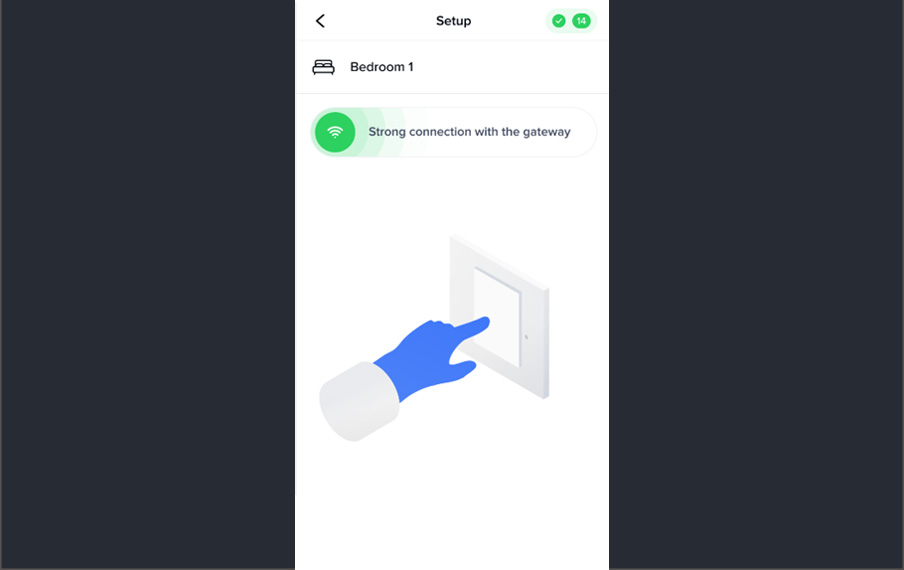
4. PRODUCTS PLACEMENT
Assign each product to a room in the home quickly and easily.
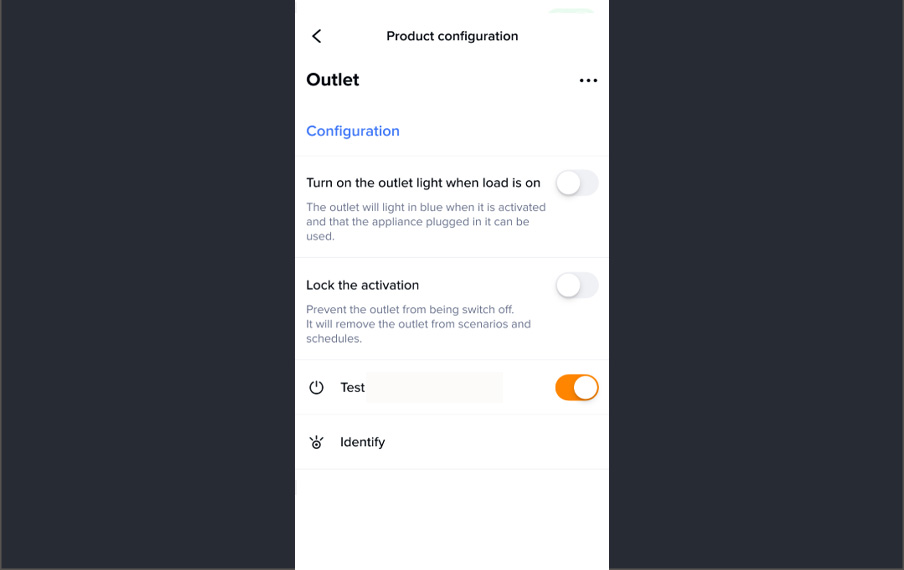
5. PRODUCTS CONFIGURATION
Configure and test all system products: lights, sockets, and automations.
6. VALIDATE THE CONFIGURATION
It will be stored in the Gateway: your customer will be able to retrieve it easily in Home + Control.
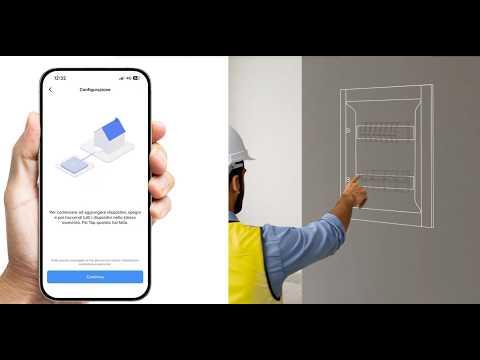
CHECK OUT OUR TUTORIALS
FAQ
DISCOVER OTHER APPS FOR THE SMART HOME
-
Home + Control
The app for managing lights, sockets, automations and temperature control -

Home + Security
The app for managing video door entry system and safety functions -

Home + Project
The app for designing and configuring MyHOME systems -
Door Entry
The apps for connected video systems -
Digital Controls
App for the configuration of the Alexa built-in voice command