Quick and easy installation
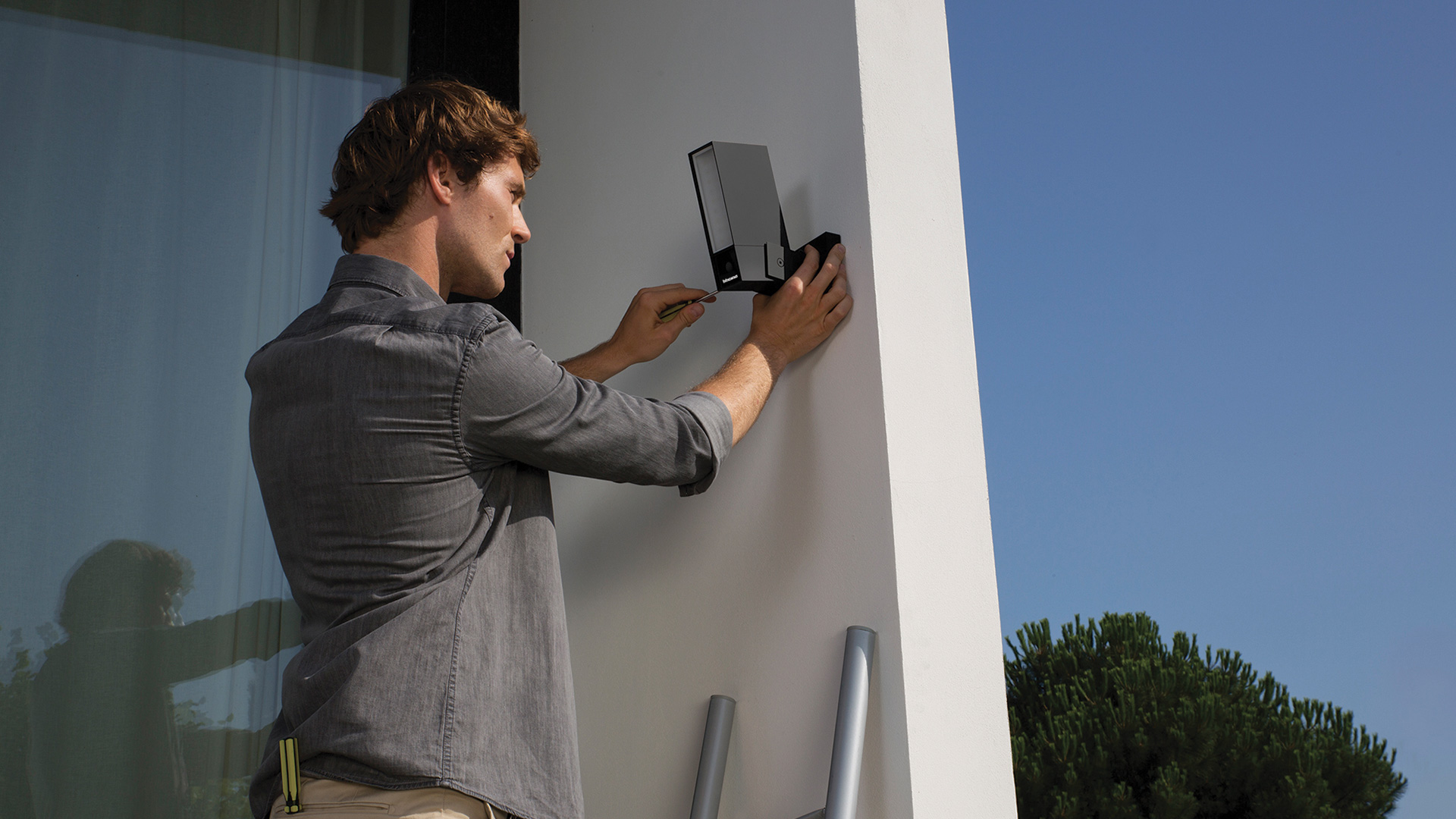
The Smart Outdoor Camera Original is easily wall-mounted, replacing an existing light point or using a newly prepared power point.
Wi-Fi connection or wired connection for versions powered by PoE.
Installation tips
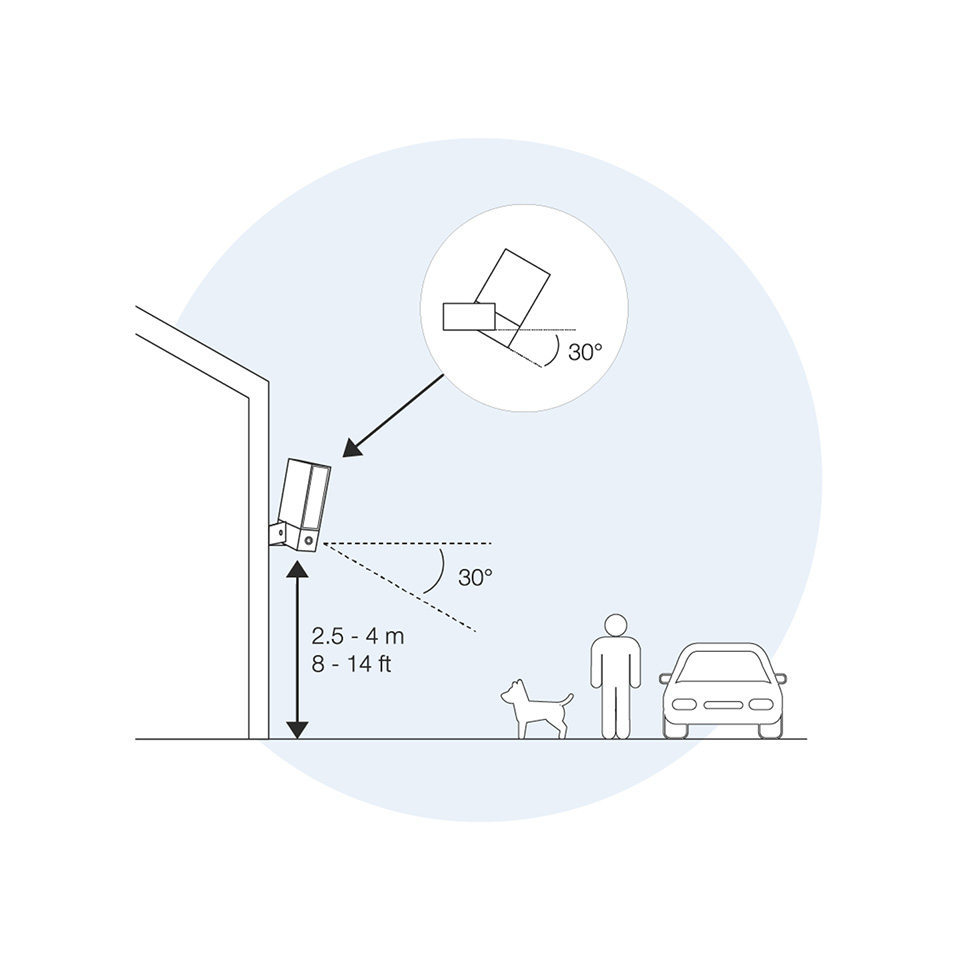
Install the camera at a height of between 2.5 and 4 metres
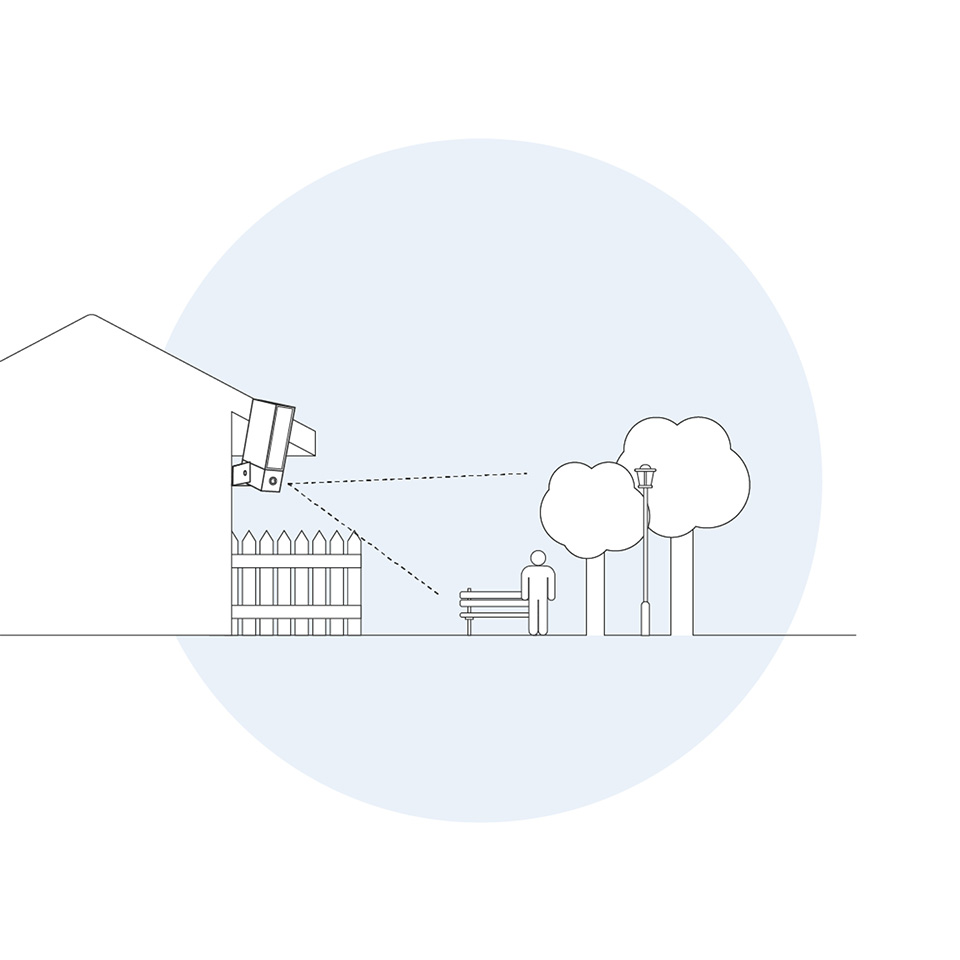
Respect privacy
How can the Smart Original camera be installed?
The camera is designed to be wall-mounted. Its design is intended to replace an existing outdoor light (such as a spotlight or a porch light), using the junction box and electrical wiring already in place.
Which power supply options are available?
The device requires a continuous power supply and has no internal batteries. Two options are available depending on the model chosen: Wired (Standard): It connects directly to the domestic mains supply (100-240 Vac). PoE (Power over Ethernet): the specific PoE versions (items 392060 and 392061) receive both power and data connection through a single Ethernet cable.
Do sealants need to be applied?
YES, it is recommended. Although the camera is IPX6 certified and treated with HZO technology to withstand the weather, it is advisable to apply silicone sealant around the mounting plate and the wall surface to prevent water infiltration.
How is the software set up?
After physical mounting, installation is completed through the Home + Security app.
The app guides the user through connecting to the dual-band Wi-Fi network (2.4/5 GHz). For Apple users, it is essential to scan and keep the HomeKit code shown on the included QSG (Quick Standard Guide) card, required for integration with the Apple ecosystem.