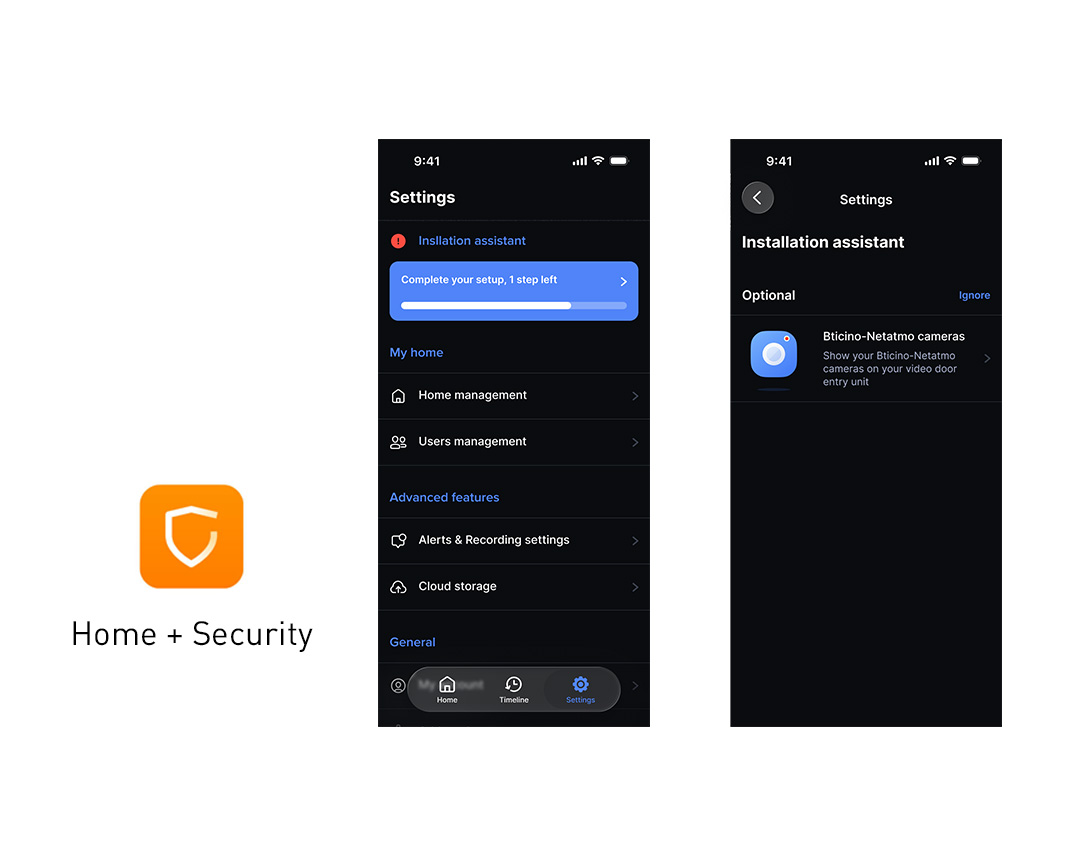
The function is enabled directly from the Home + Security app. Simply open the Settings section, select Installation Assistant and follow the guided procedure, confirming consent to enable camera viewing. Once configuration is complete, no further action is required.
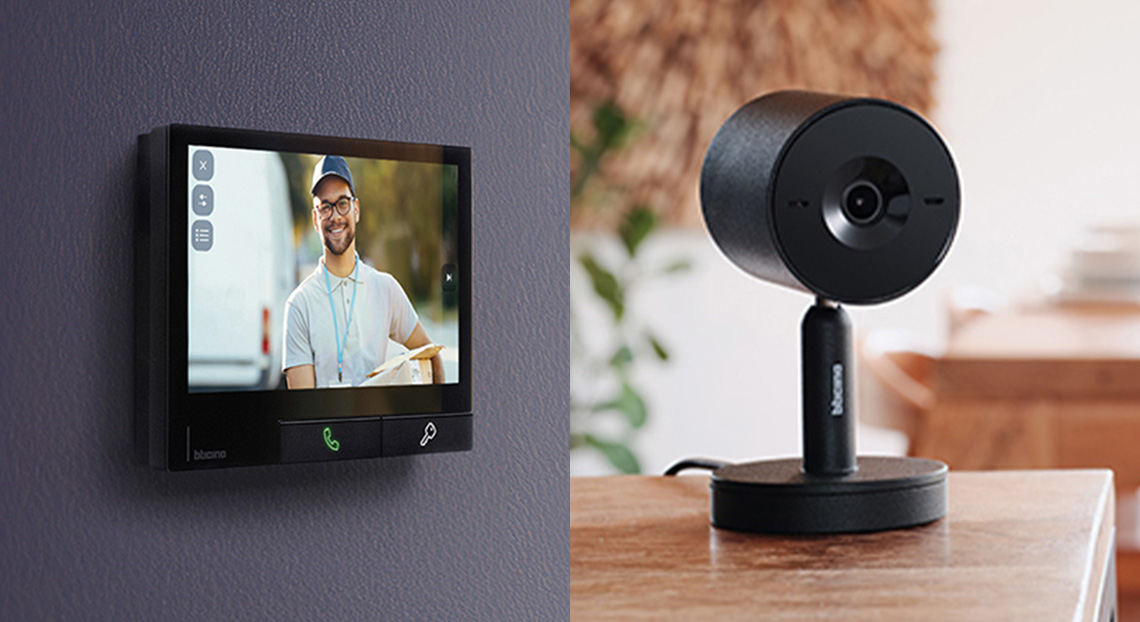
After activation, when the Classe 300X entrance panel monitoring function is used, the display initially shows images from the entrance panels, followed by those from the enabled Smart Indoor cameras. This integration enhances the BTicino ecosystem approach, in which video door entry, security and home management operate in a coordinated way through the Home + Security app.
The integration between Classe 300X and Smart Indoor cameras extends the functionality of devices already installed, providing simpler and more immediate home monitoring from a single access point.