Easily replace an old thermostat
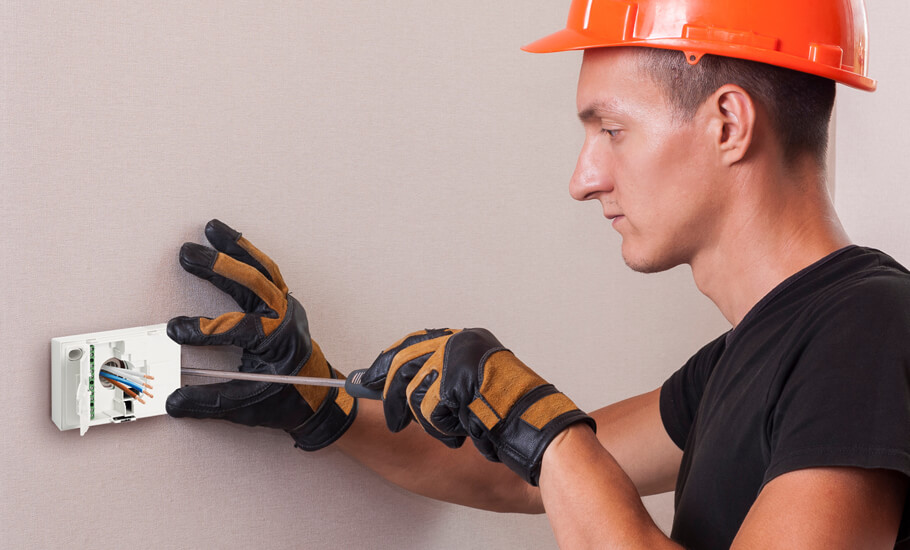
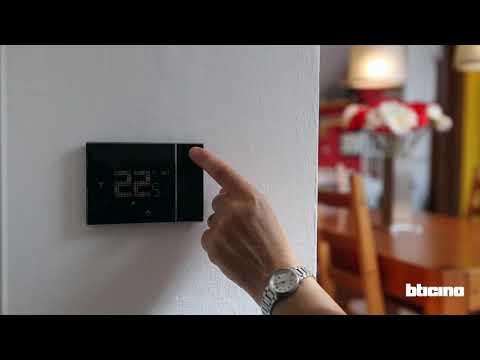
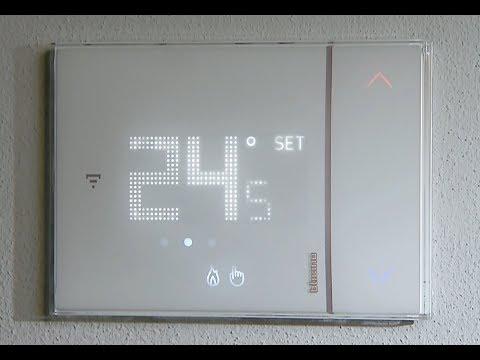
Thanks to its simplicity, Smarther with Netatmo connected thermostat is the ideal solution for both new installations and to replace an old thermostat.
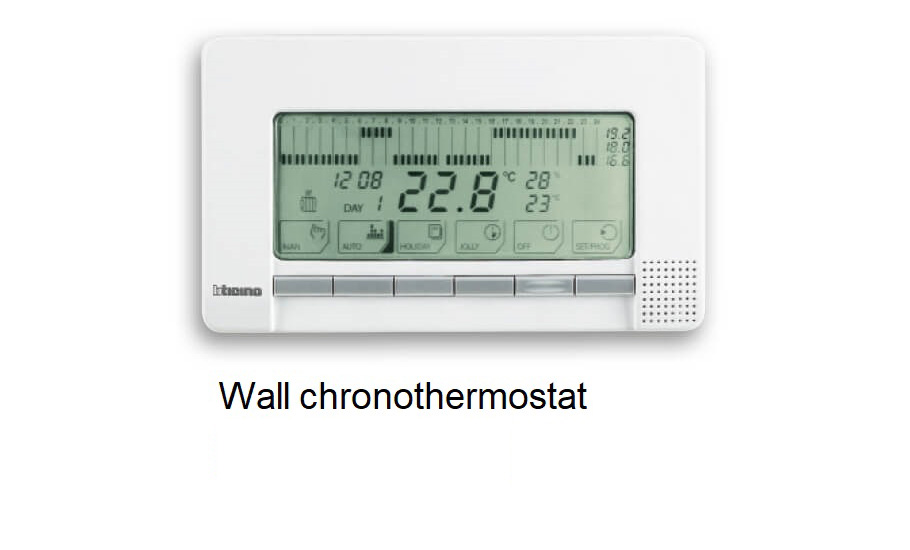
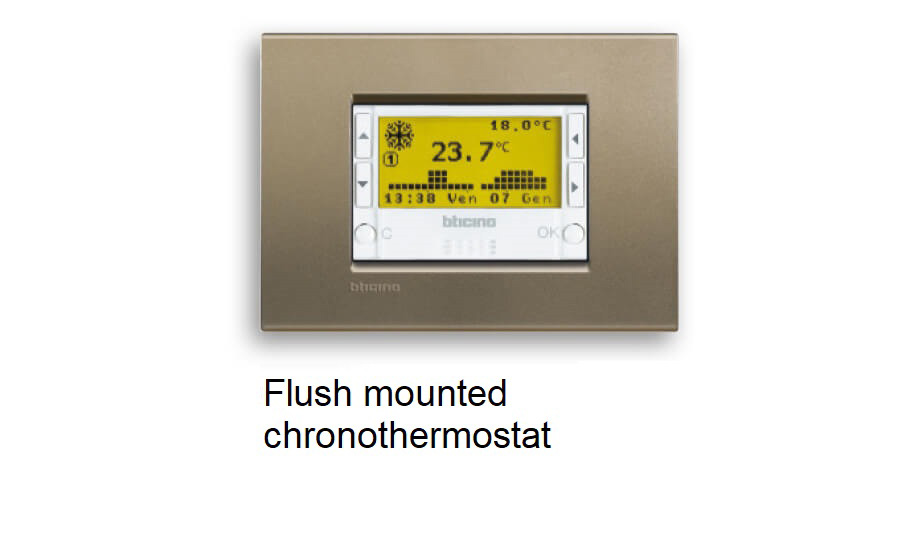
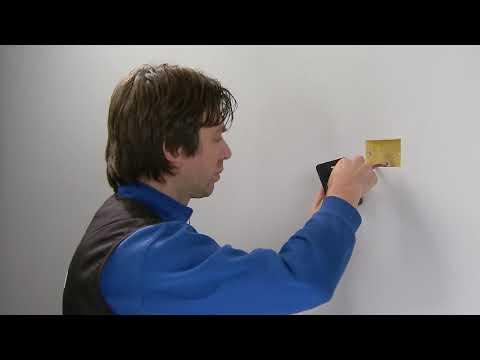
It is possible to replace an old chrono-thermostat, whether flush or wall-mounting, working with batteries or supplied at 230V a.c..
FLUSH MOUNTED INSTALLATION
WALL INSTALLATION
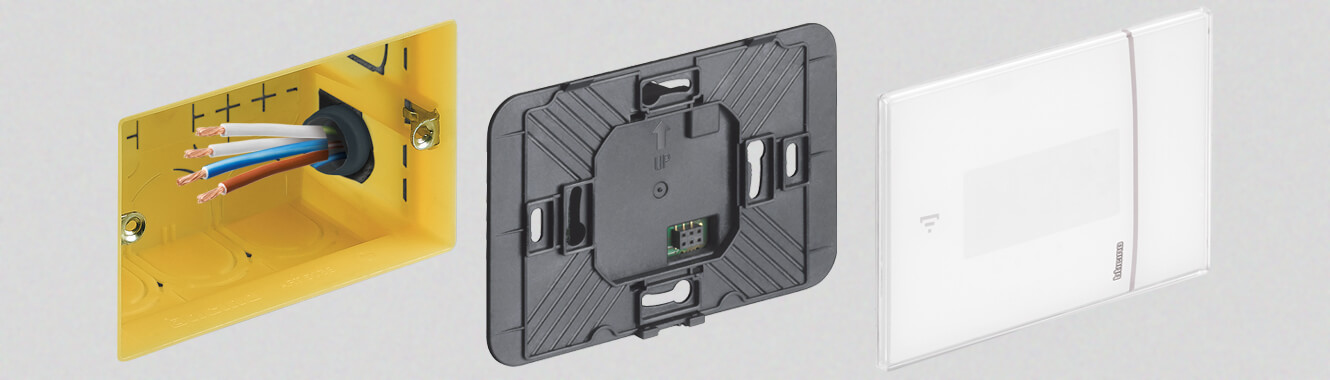
Flush mounted Smarther with Netatmo thermostat item XW8002, XG8002, XM8002
Can be installed on the flush-mounting box art. 503E and is also possible on round flush-mounting box art. 500 (fixing using dowels) and plasterboard boxes item PB503 and PB502.
Prepare 4 cables:
• Two for the 230V ac Power supply;
• Two for the boiler contact
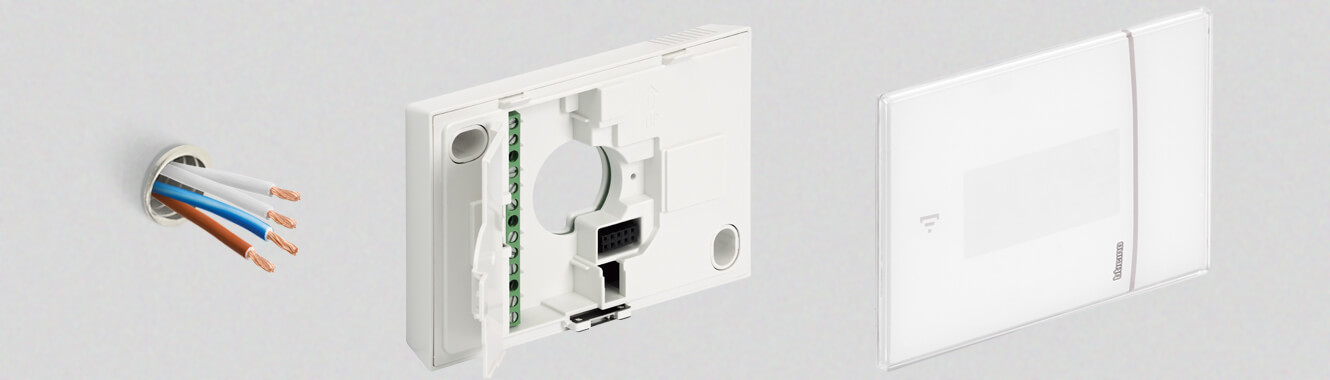
Wall mounted Smarther with Netatmo thermostat item XW8002W
Smarther can be installed on the wall, using screws and dowels suitable for the installation surface.
Prepare 4 cables:
• Two for the 230V ac Power supply;
• Two for the boiler contact.
Dimensional data
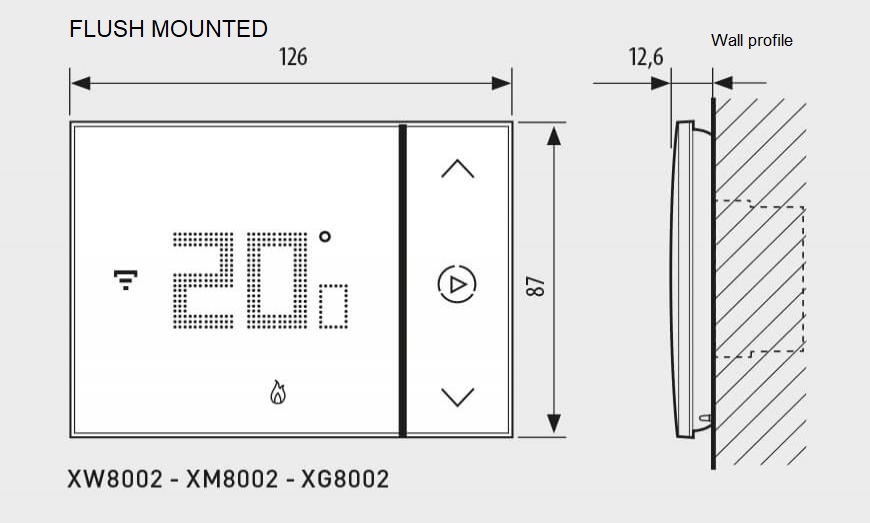
Flush mounted installation
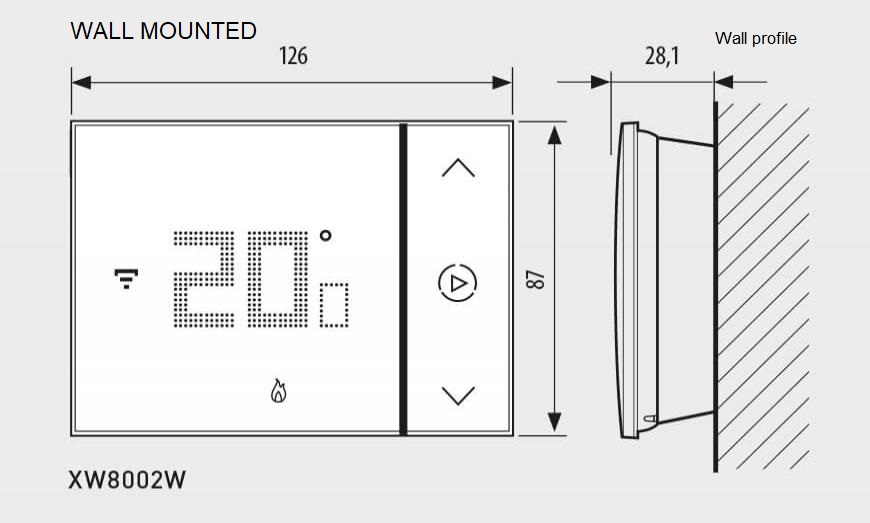
Wall installation
FAQ
How do I replace an old thermostat with Smarther?
Smarther can replace most traditional thermostats, whether flush-mounted or wall-mounted, powered by batteries or 230V AC.
Steps:
Disconnect power.
Remove the old thermostat.
Prepare 4 wires: two for 230V AC supply, two for boiler contact.
Mount Smarther on a 503E or round box (or wall with dowels).
Connect wires as per wiring diagram.
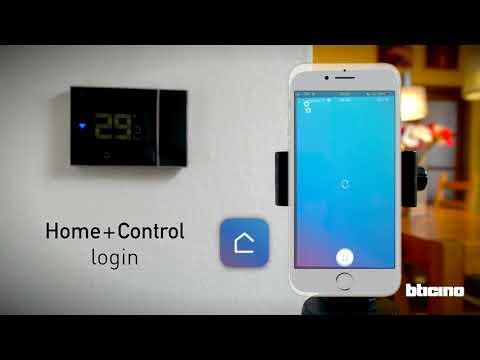
Restore power and configure via the Home + Control app.
Which flush-mounting boxes are compatible with Smarther?
Smarther fits standard BTicino boxes: 503E, round box 500, and plasterboard boxes PB502/PB503. Ensure proper alignment and avoid overtightening screws to prevent distortion.
What is the recommended wiring for Smarther?
For heating systems:
L and N: 230V AC power supply.
COM and NO: Boiler control contact.
Use cables with adequate insulation and follow local regulations.
Can Smarther work without a C-wire?
No. Smarther requires a continuous 230V AC supply; it does not operate on batteries. Ensure L and N are connected for proper functionality.
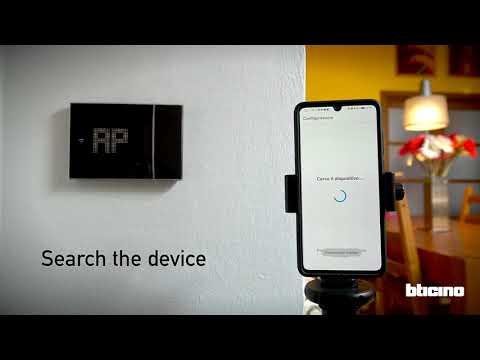
How do I connect Smarther to Wi-Fi during setup?
Download Home + Control app.
Power on Smarther; check Wi-Fi LED flashes.
Select “Add Device” in the app.
Connect to 2.4 GHz Wi-Fi (5 GHz is not supported).
Complete pairing and update firmware if prompted.
What should I do if Smarther does not show “AP” or Wi-Fi LED during installation?
Check power supply and wiring. If correct, perform a factory reset:
Press the reset button for 10 seconds until the LED blinks.
Retry pairing via the app.
How do I reset Smarther to factory settings?
Press and hold the reset button for 10 seconds.
Wait for LED indicators to confirm reset.
This clears Wi-Fi and HomeKit settings. Reconfigure via the app.
Is Smarther compatible with Netatmo Smart Radiators Valves?
Yes. Smarther integrates with Netatmo Smart Radiator Valves for multi-zone control. Add Netatmo Radiators Valves via the Home + Control app under “Add Product.”
How do I configure weekly programs on Smarther?
Open Home + Control app.
Go to Schedules → Create New Program.
Set time intervals and temperatures for each day.
Save and activate the program.
Why does Smarther show incorrect temperature readings?
Possible causes:
Installed near heat sources or drafts.
Sensor needs cleaning.
Fix: Relocate device away from direct sunlight or vents; clean sensor gently.
How do I reconfigure Wi-Fi after changing the router?
Open Home + Control app → Device Settings.
Select Change Wi-Fi.
Follow pairing steps with new SSID and password.
If unsuccessful, perform factory reset and re-add device.
Smarther appears “unreachable” in the app. What should I do?
Check Wi-Fi signal strength and router settings.
Ensure Smarther is on 2.4 GHz network.
Restart router and Smarther.
Update app and firmware.
Do smart thermostats work with boilers, and how does Smarther connect to a boiler?
Do smart thermostats work with boilers? Yes, Smarther is designed to work with most existing heating systems, including boilers. How does smart thermostat connect to boiler? Smarther acts as the main switch, connecting via its power supply (110–240 Vac) and relay to control the boiler's operation, just like a traditional thermostat.
Can smart meters control your thermostat, or what happens if my Internet goes down?
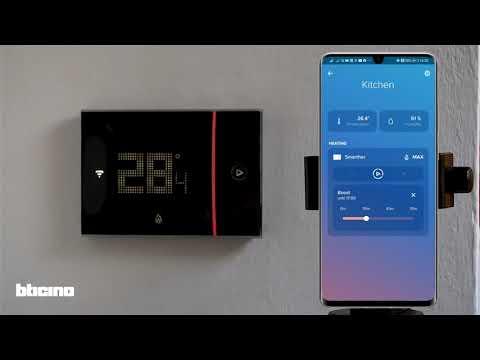
Smarther is controlled via the Home + Control app or voice assistants; smart meters typically do not directly control the Smarther thermostat. If your Internet goes down, Smarther still works because local control continues: you can set temperature, see humidity, and use Boost directly on the thermostat. Cloud features (remote control, voice, consumption monitoring) resume automatically when the connection returns.
Can you replace any thermostat with a smart thermostat?
In most homes, yes. Thanks to its simplicity, Smarther connected thermostat is the ideal solution for both new installations and to replace an old thermostat. It is possible to replace an old chrono-thermostat, whether flush or wall-mounting, working with batteries or supplied at 230V a.c. Ask a qualified electrician for a correct product installation.
How to install Smarther and can I install a smart thermostat myself?
How to install smart thermostat? The installation involves connecting the Smarther unit to the existing wires (110-240 Vac). While Smarther is simple to install, we highly recommend that a qualified electrician perform the product installation, especially as it deals with the 110–240 Vac power supply. Are smart thermostats easy to install? For a professional, yes. If you are replacing an old 230V a.c. thermostat, the wiring is often straightforward.
The app can’t find my thermostat during setup. What should I do?
Ensure Smarther is in pairing mode and within range of your router. Check your phone’s Wi‑Fi is on and the app has permissions. If needed, reset Wi‑Fi configuration on the device (hold Reset 10 s), then retry the guided add‑device flow in the app. The connected thermostat Smarther must be connected to a 2.4 GHz 802.11 b/g/n WiFi network. 5 GHz networks are not compatible.