The quick and versitile installtion of the Indoor Camera Advance
The Indoor Camera Advance adapts to every need: quick setup or discreet wall mounting, wired or wireless connection. Thanks to the included accessories, it can be powered via PoE, connected to a power outlet, or wall‑mounted to replace an existing socket.
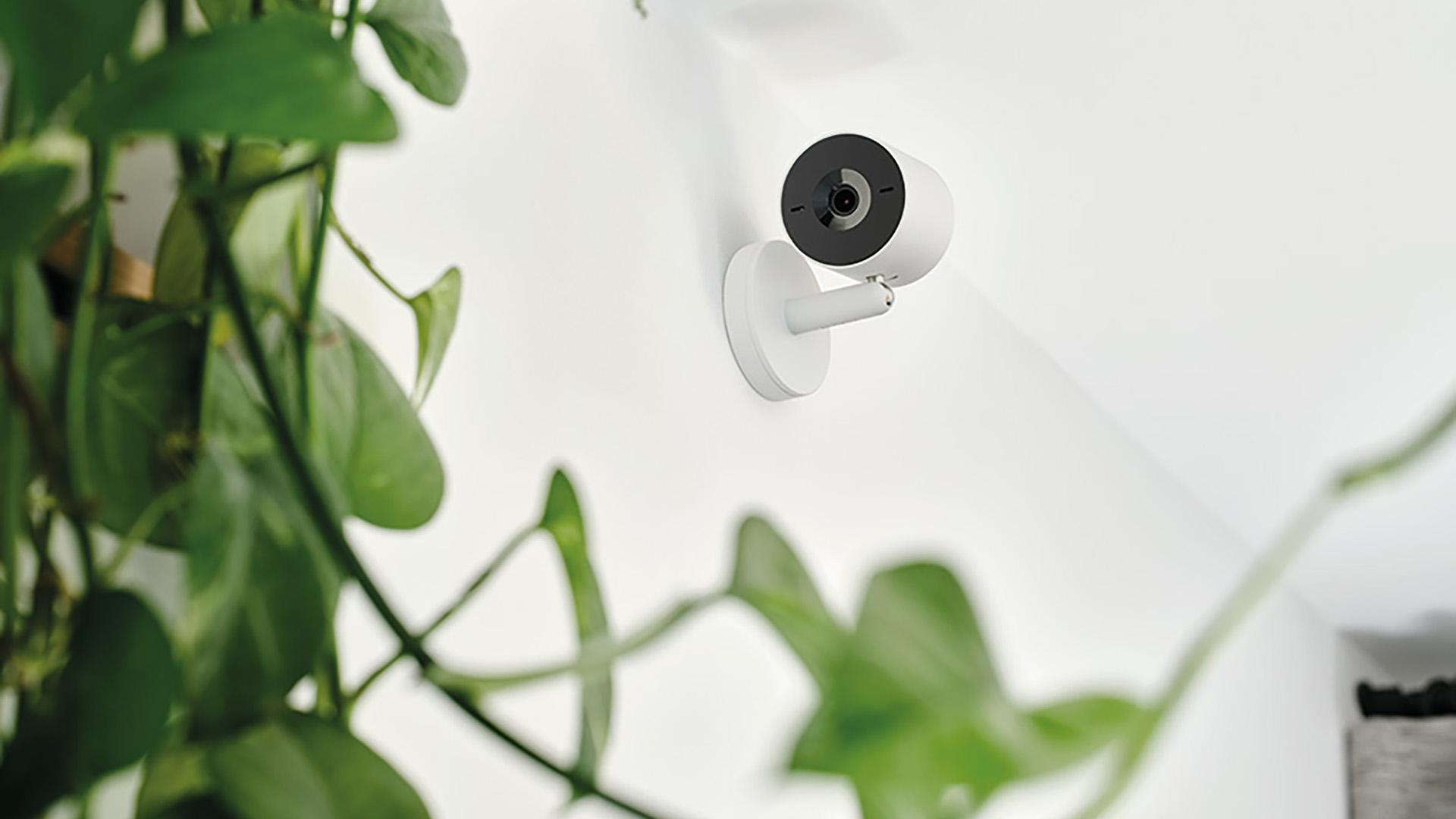
Step 1: choose the ideal position
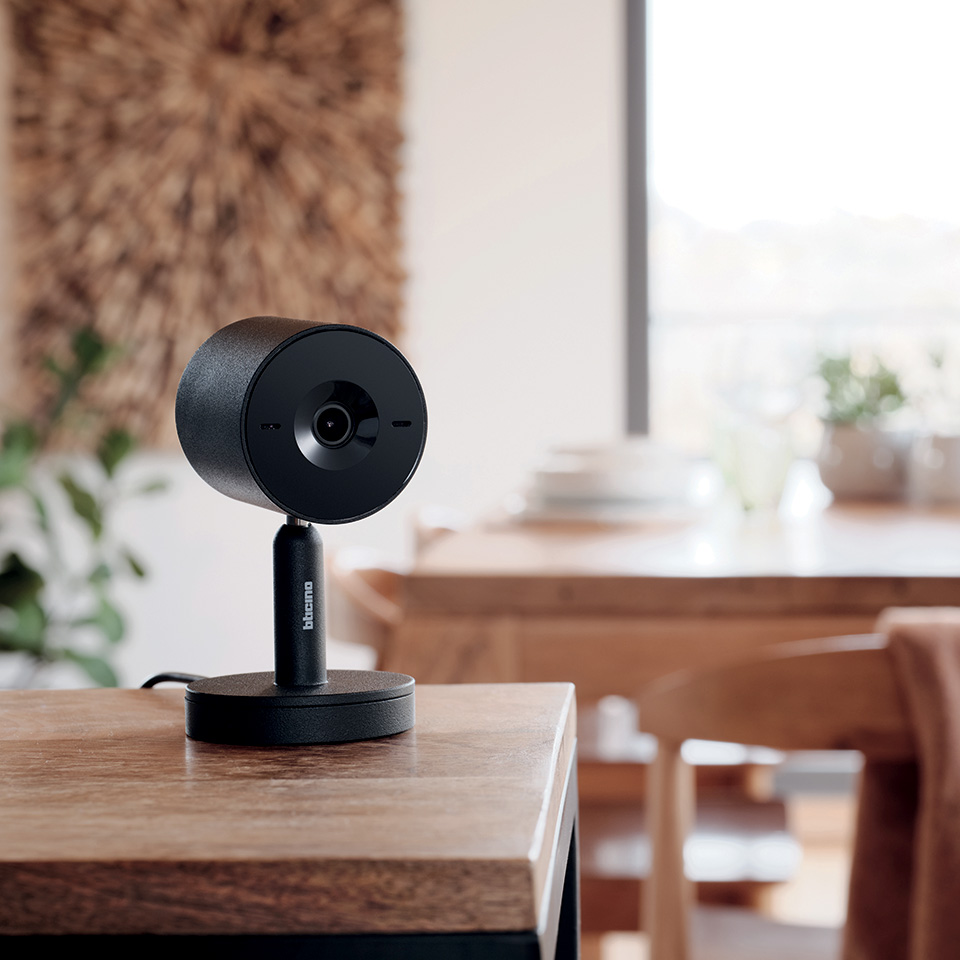
Installing the camera on furniture
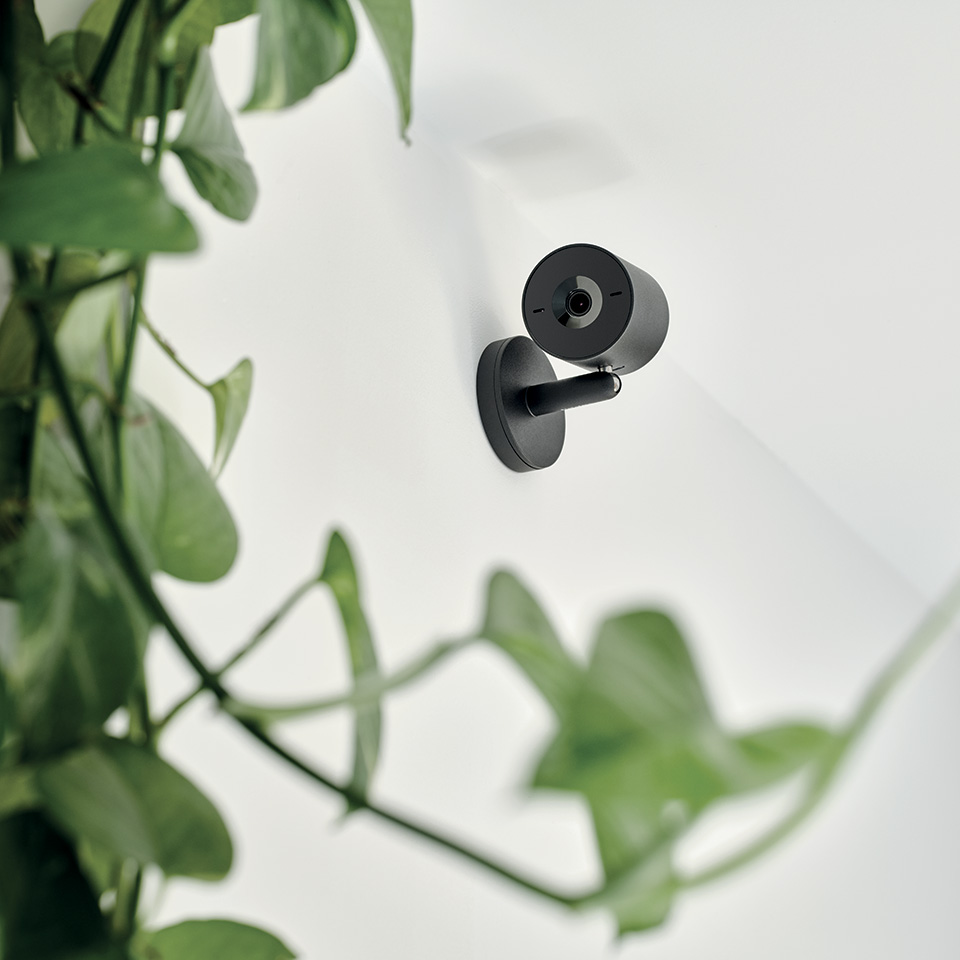
Wall‑mounted camera installation
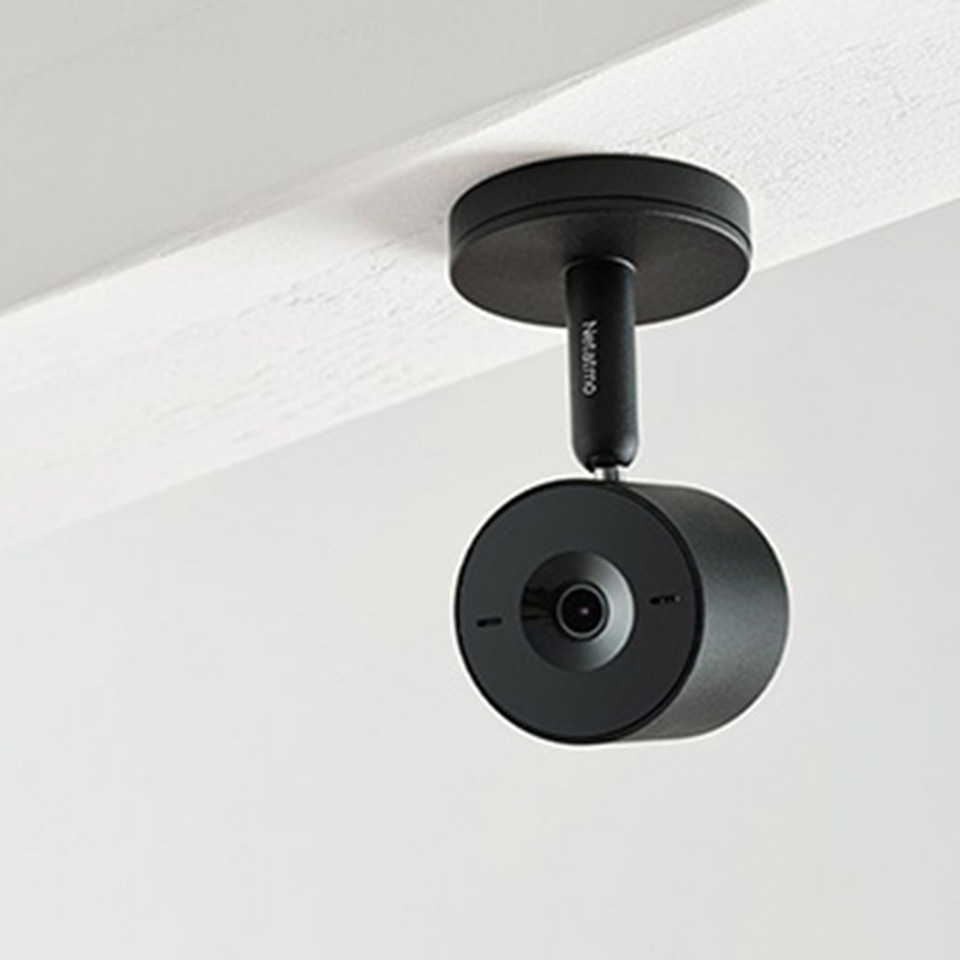
Ceiling‑mounted camera installation
Step 2: choose the installation method
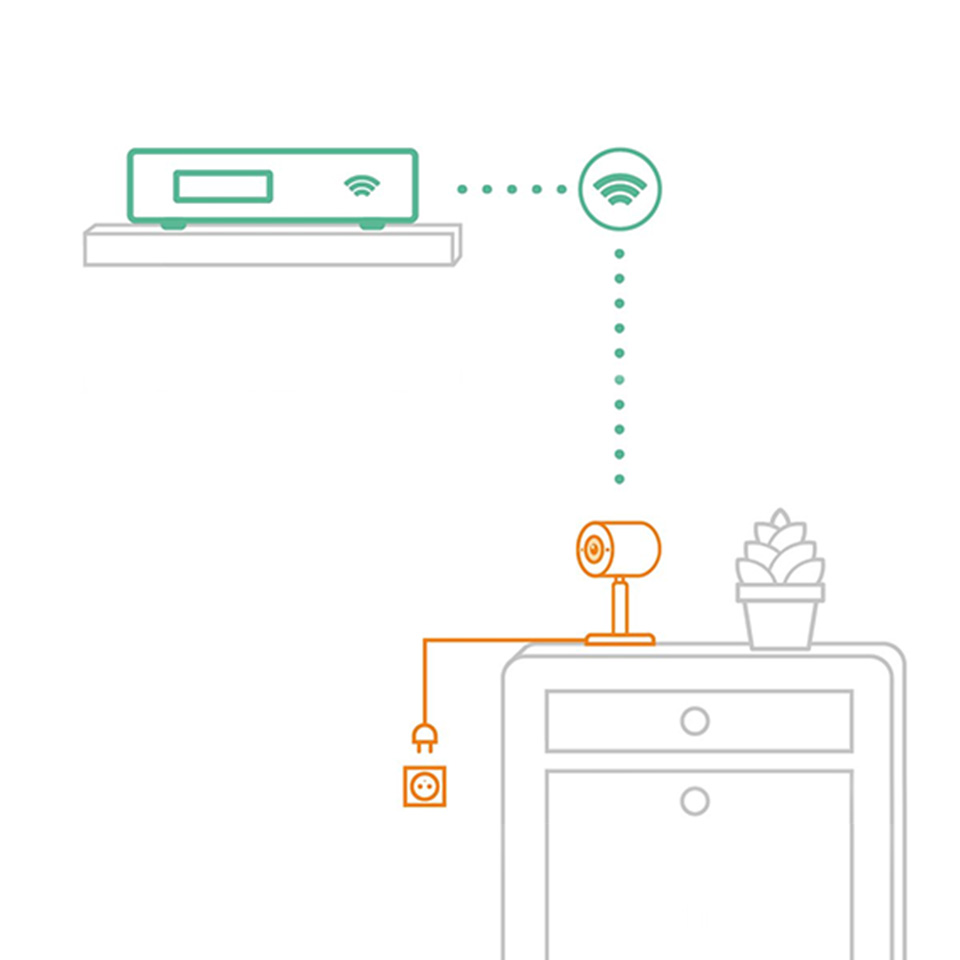
Connecting to a power outlet
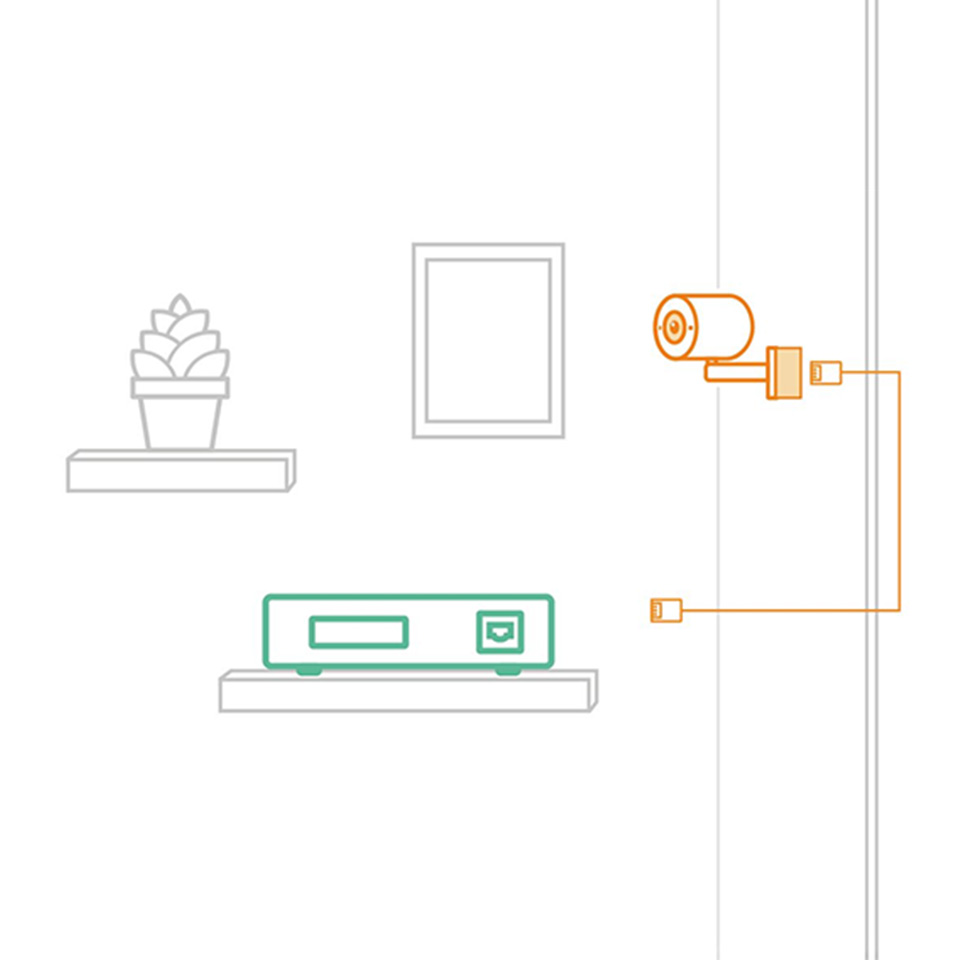
PoE connection
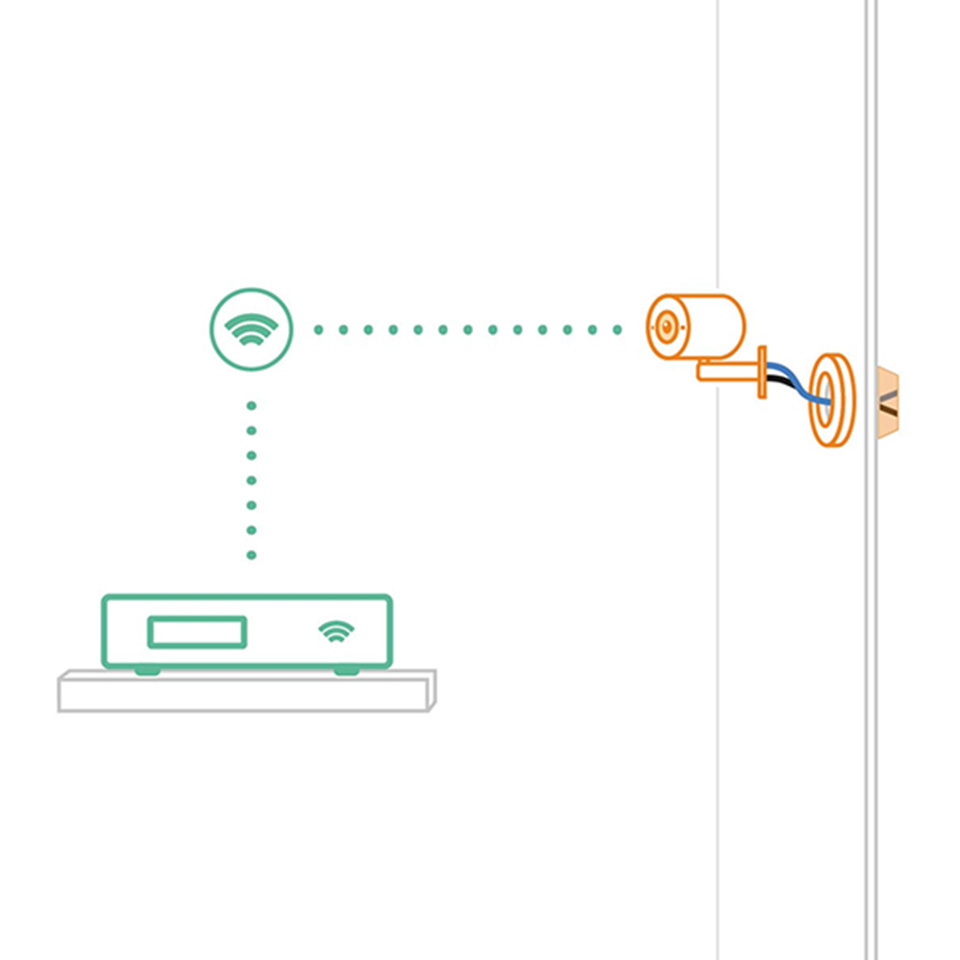
Flush-mounted installation
FAQ
What installation options are available for the smart indoor camera?
The Indoor Camera Advance offers maximum installation flexibility. It can be quickly connected to a power outlet, discreetly wall‑mounted, or flush‑mounted to replace an existing socket. The camera supports both Wi‑Fi connections (2.4 GHz and 5 GHz) and wired connections, adapting easily to any home environment and installation requirement.
What happens if there is no Internet connection?
If the Internet connection is unavailable, you will receive a notification informing you of the network issue. The indoor camera will continue to operate and record videos locally. While offline, the camera cannot stream video to the app or send real‑time notifications. Once the Internet connection is restored, all recorded videos are automatically synchronized and displayed in the app.