Configuration of BUS-SCS devices
The BUS/BUS devices can be configured in two different ways:
- Physical configuration: this is completed using the green and blue configurators, which must be connected to the appropriate housings found on the devices.
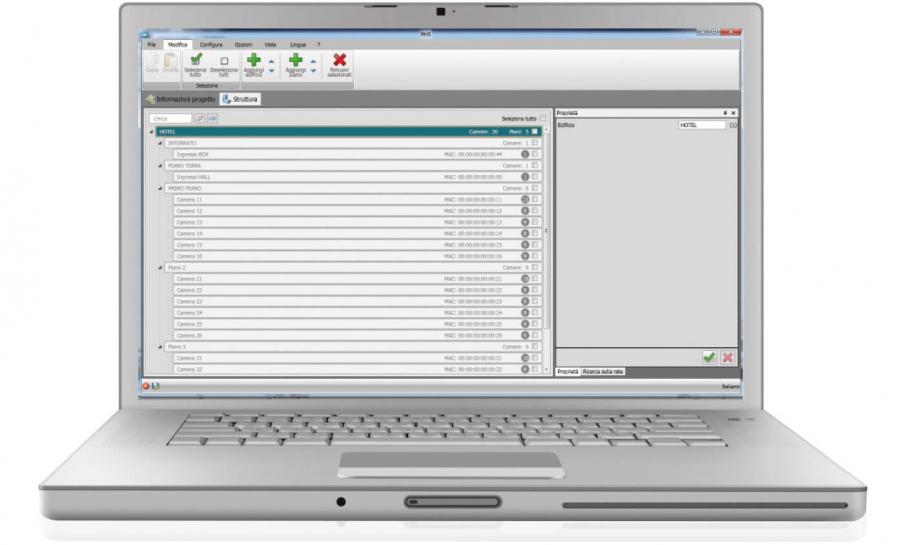
- Configuration using the software: this is performed using a PC and the My Hotel Suite software. Configuration using the software: this solution has the advantage of offering many more options when compared with the physical configuration.
The following devices must be configured using the My Hotel Suite software:
- IP MH201 Scenario Module
- All the new Touch interfaces of the Premium range
The software can be downloaded free of charge from the website: Legrand Home System
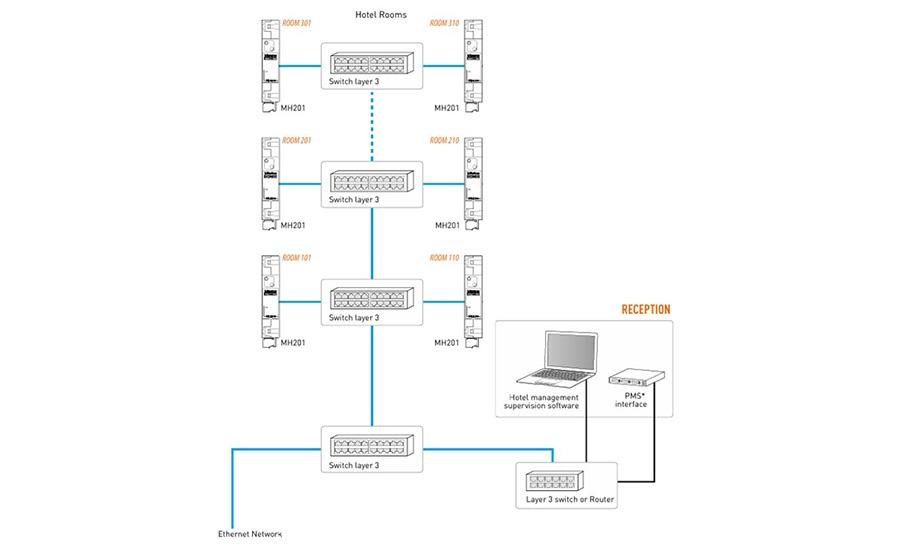
Requirements for LAN network configuration
For the correct operation of all devices in the Smart Hotel offer, it is necessary to set up the LAN data network taking into account the requirements of the following document.
Selection guide
|
TYPE OF WELCOMING ESTABLISHMENT |
SOLUTION |
SUPERVISION SOFTWARE AND LICENSES |
USE OF THE IP MH201 SCENARIO MODULE DEVICE |
INTEGRATIONS WITH OTHER BRANDS F459 |
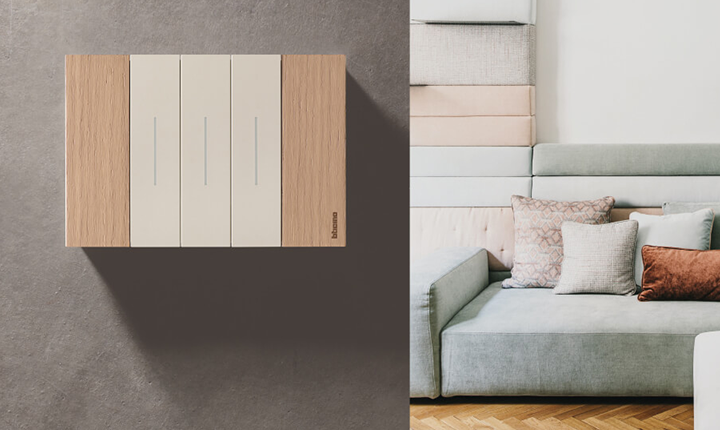
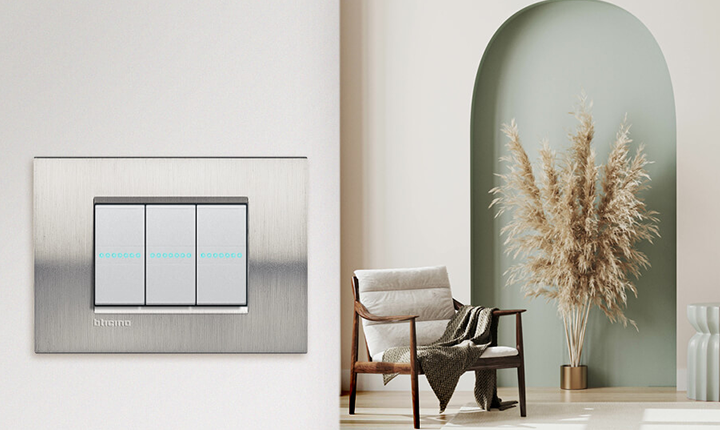
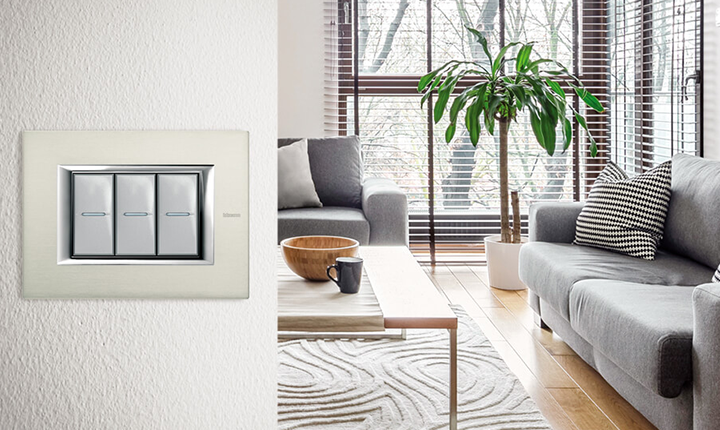
DOMESTIC SERIES THAT CAN BE USED |
CUSTOMISE COVER PLATES, CONTROLS AND KEY CARDS |
|
Establishment up to 10 zones (rooms or other areas) |
Stand - alone | 3544SW |
∙ |
Living Now, Livinglight, Air, Axolute |
∙ |
|
|
Establishment up to 100 zones (rooms or other areas) |
Centralised with supervision |
3546SW |
∙ |
∙ |
Living Now, Livinglight, Air, Axolute |
∙ |